

Nail Salon software
Nail salon POS with tip screens your techs will actually use
Walk-ins checked out in seconds, tips captured on a screen facing the client, and an interface your technicians can read in Spanish.
- Your terminal, your negotiated rate
- No marketplace commission
- Gift card, loyalty and split tenders
Built for the work
How Nail Salon teams actually run
A tip screen facing the client
A second display shows the client 15/20/25% or a custom amount, so nobody has to ask and nobody has to guess.
Works in Spanish and French
The whole interface ships in three languages — not a translated help page, the actual product.
Technician commission, settled daily
Per-service commission and payroll periods, so the end-of-day number is the number.
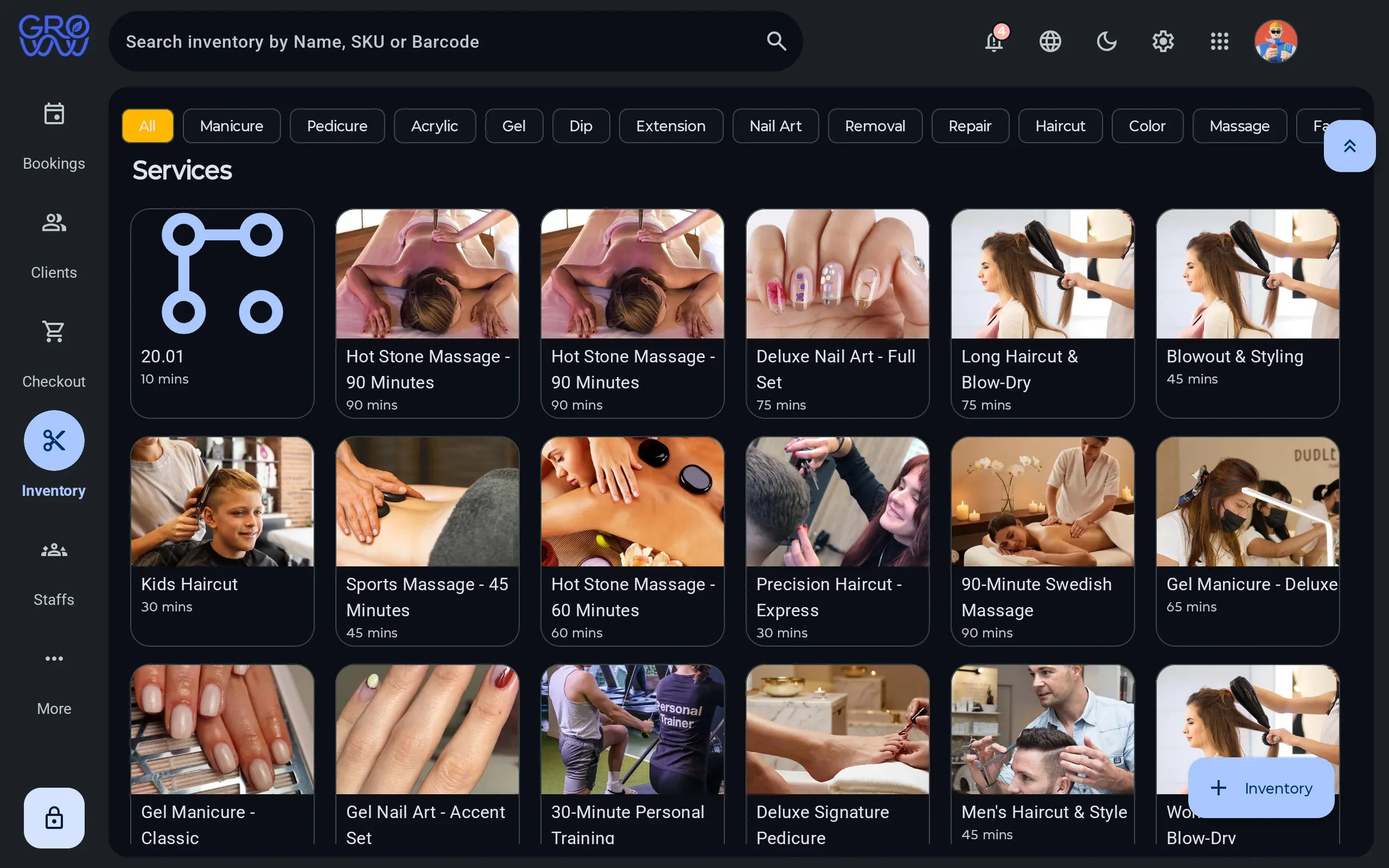
Four screens, one tablet
The same system runs the diary, the till, the client record and the stock room. Pick a screen.
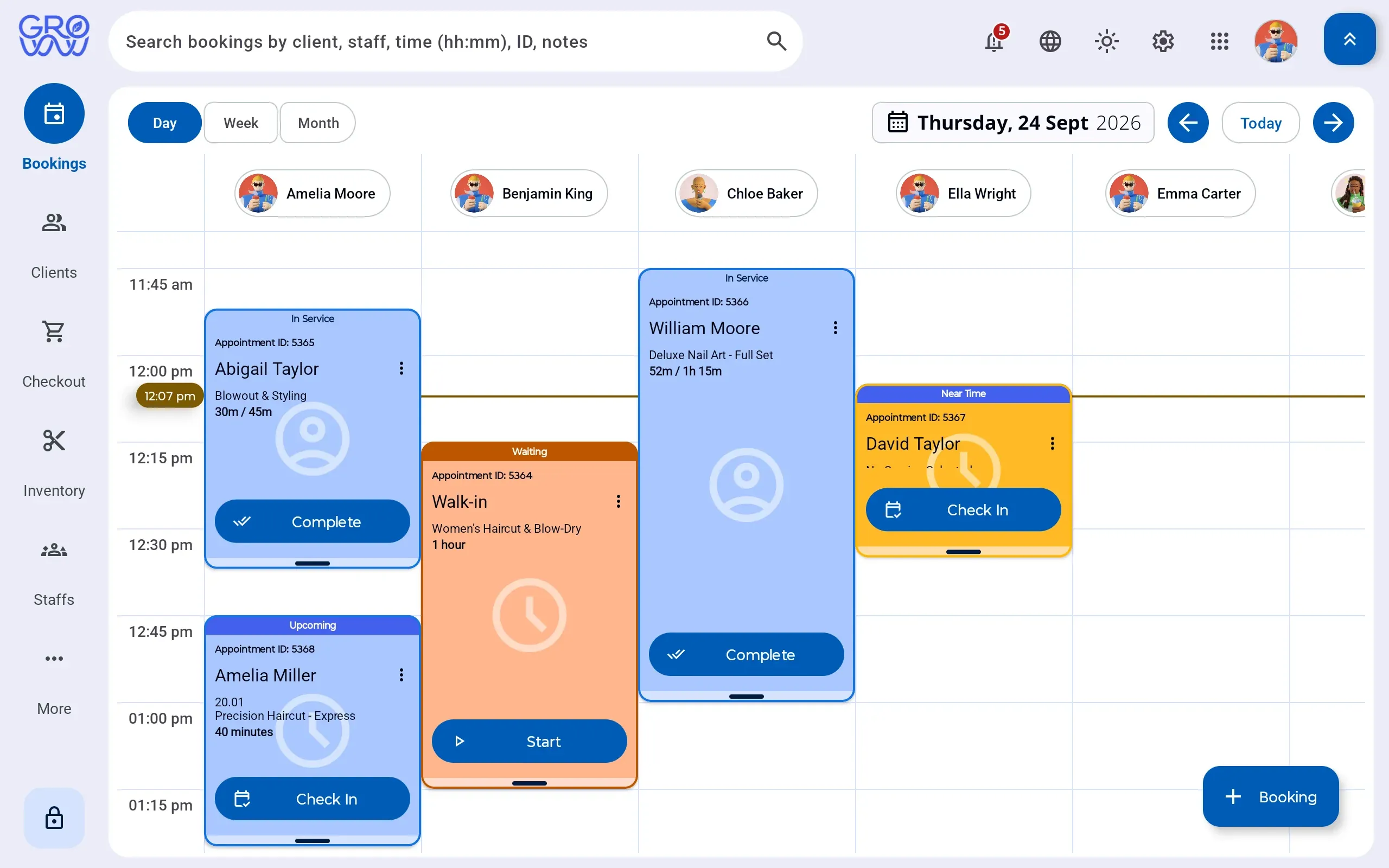
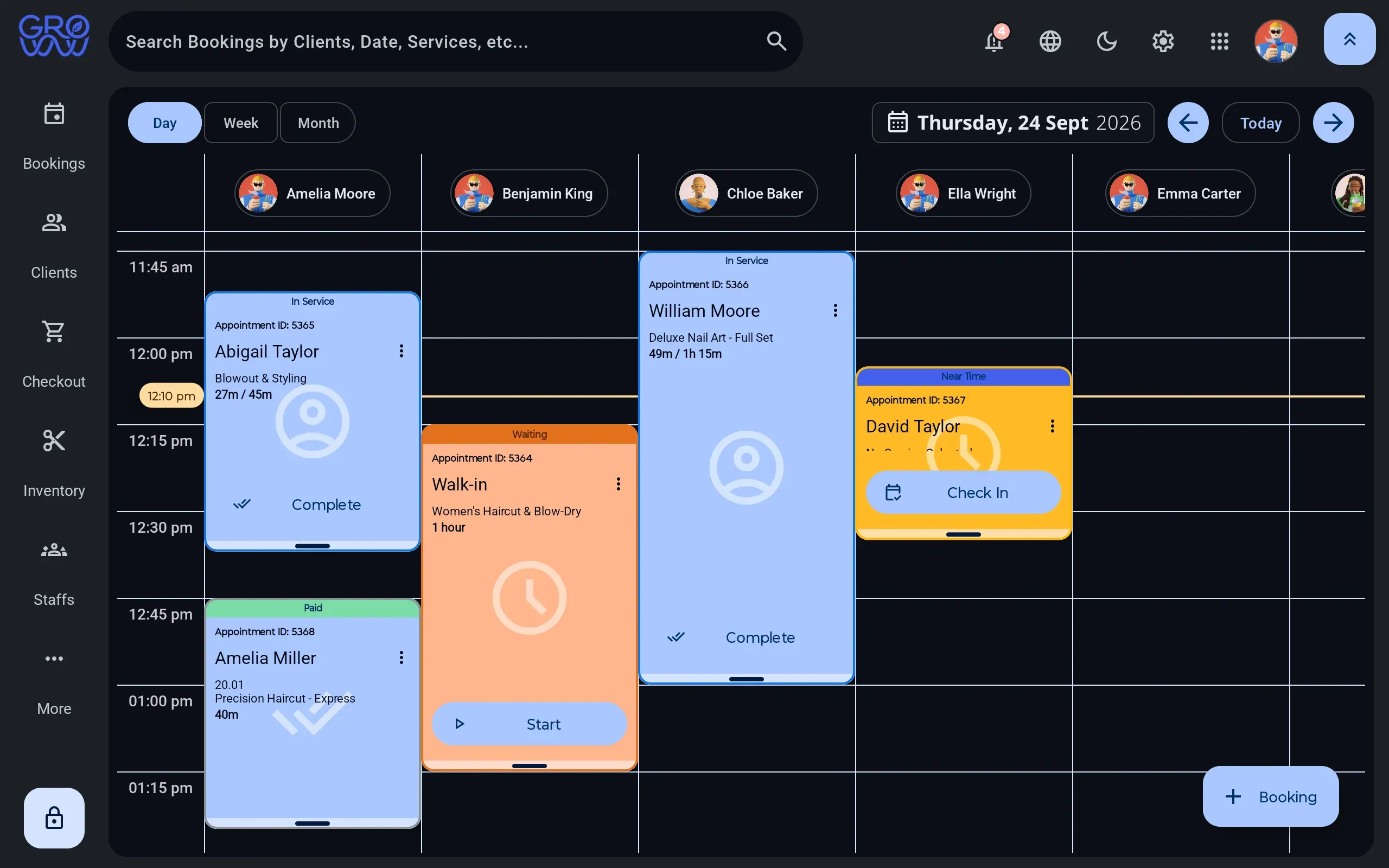
A day you can read at a glance
A column per staff member, per room or per chair — whichever is the constraint for Nail Salon teams.
- Drag to reschedule, with buffer and cleanup time attached to the service
- Rooms, equipment and staff booked as separate resources
- Walk-ins dropped into the next real gap, not a hopeful one
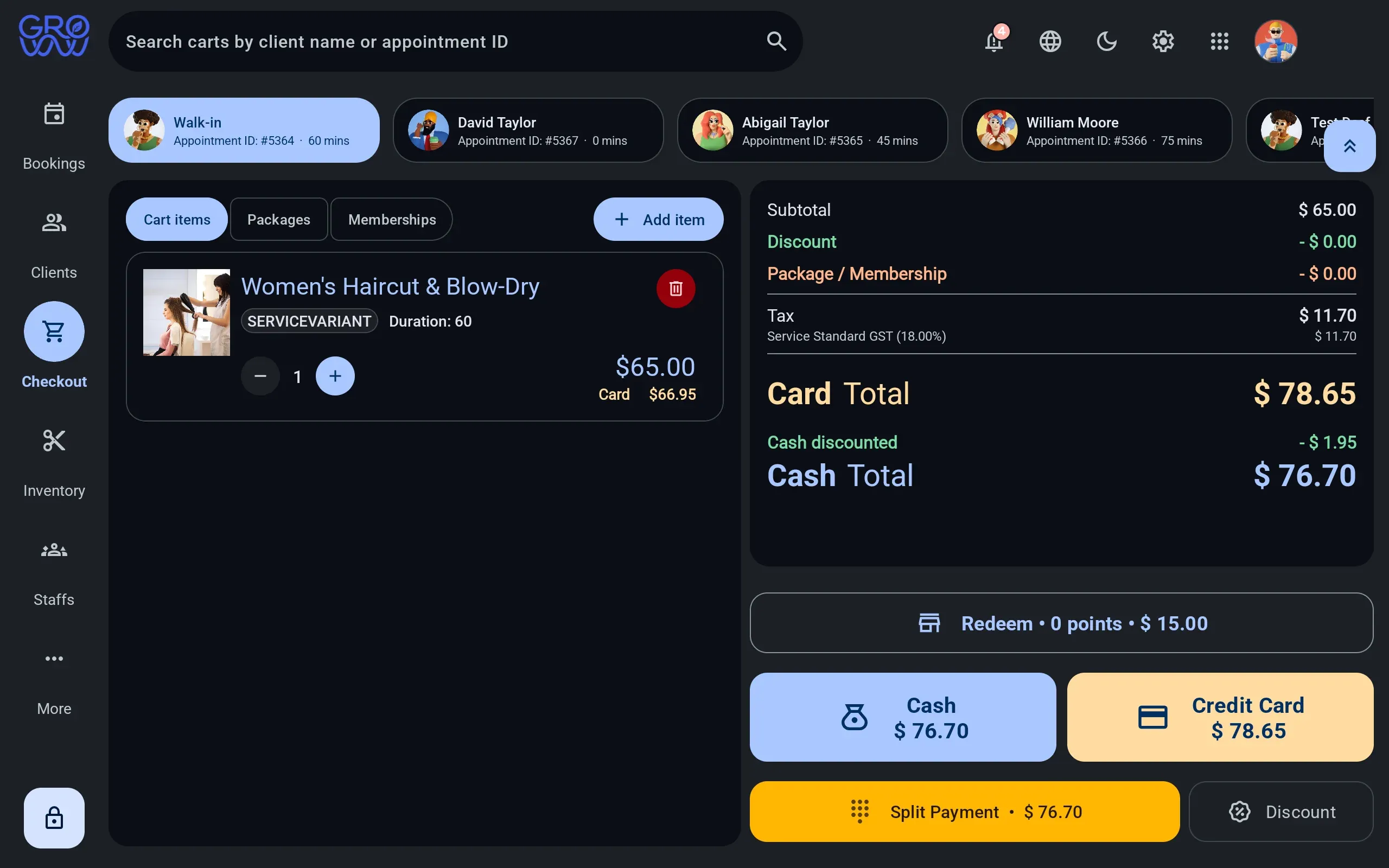
One sale, any combination of tenders
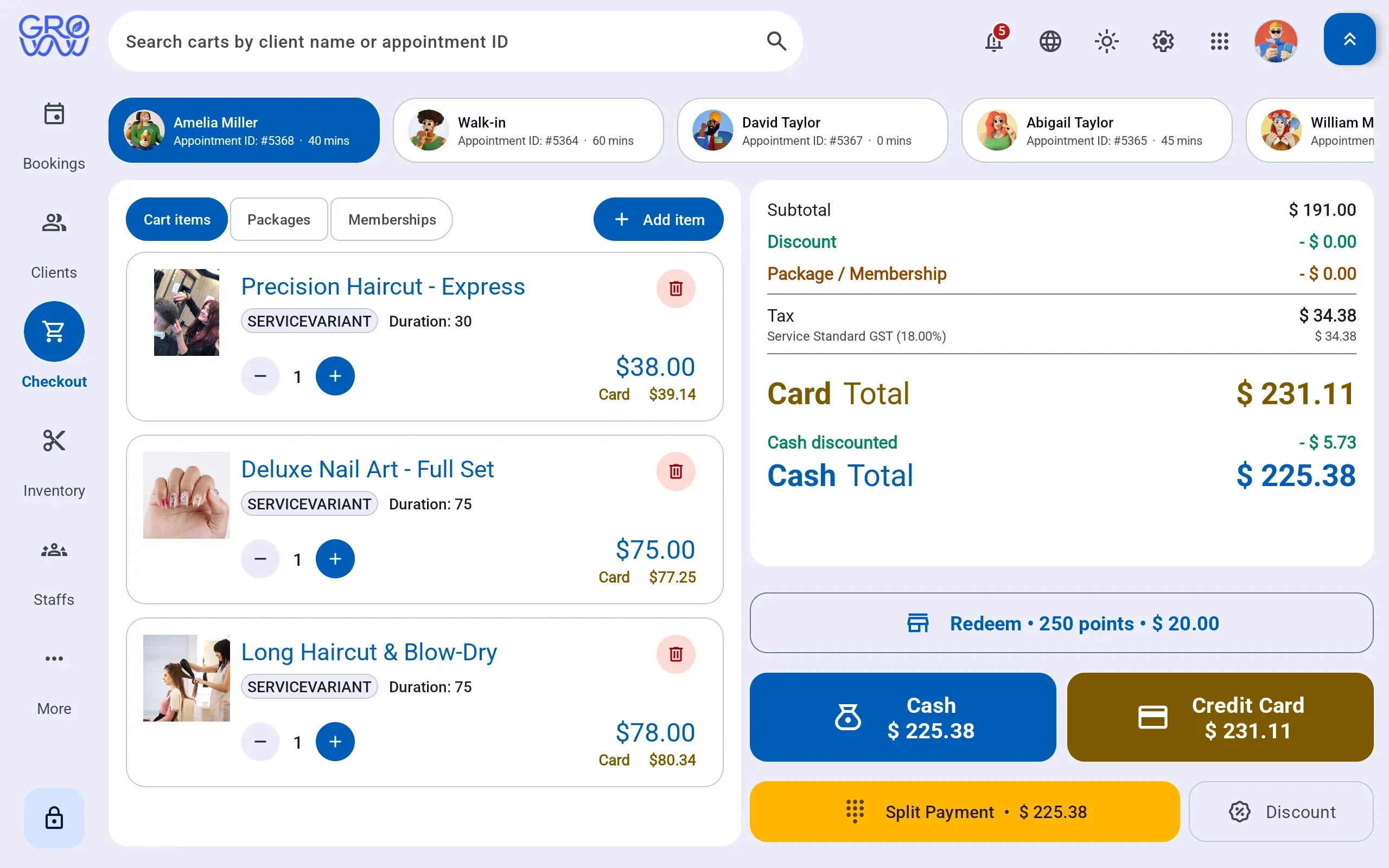
Services, retail, packages and deposits settle together — split across as many tenders as the client brings.
- Card and debit on the PAX, Dejavoo or Valor terminal you already own
- Split tender across any combination in one sale
- Gift card and loyalty redeemed at the till, not reconciled after it
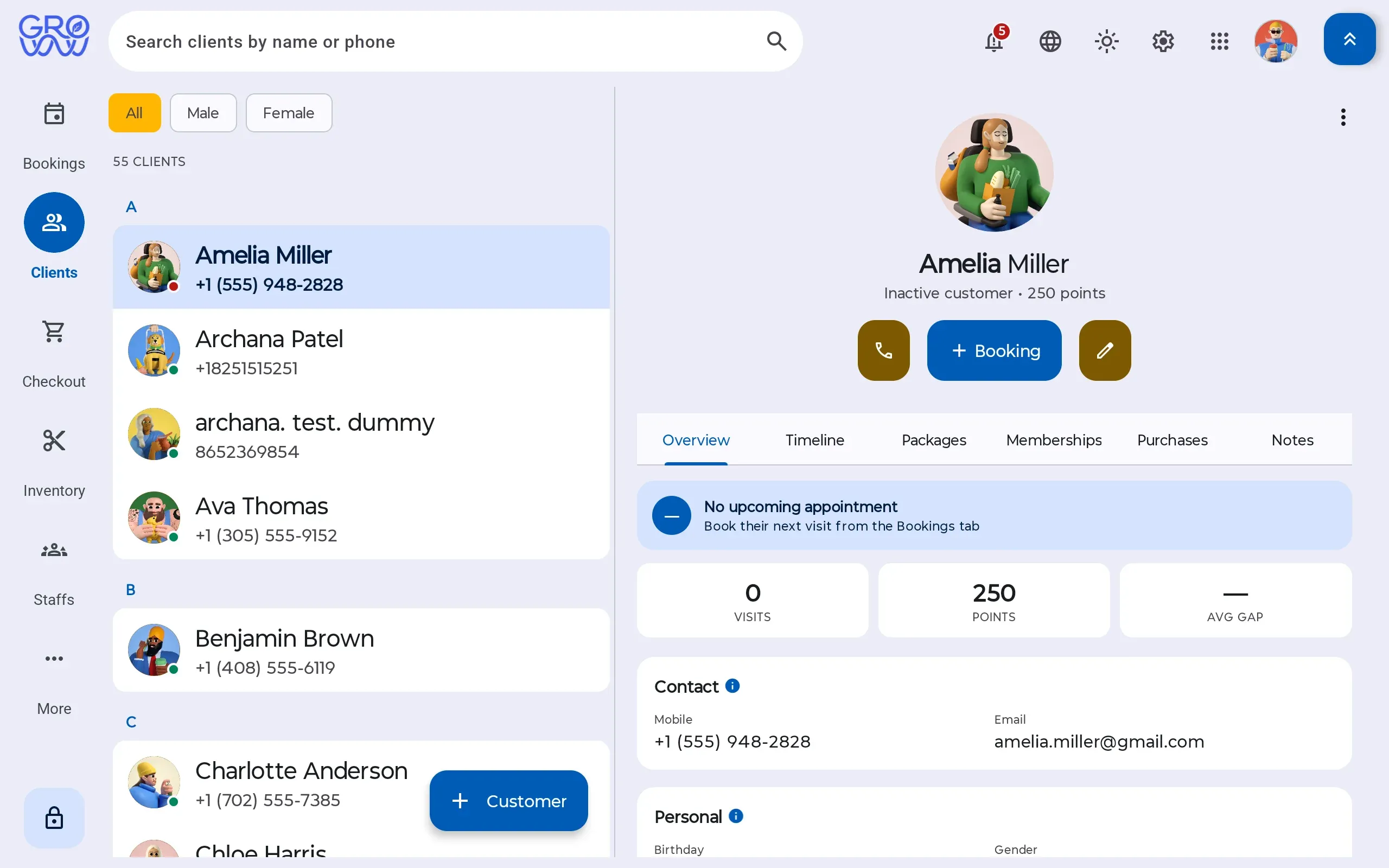
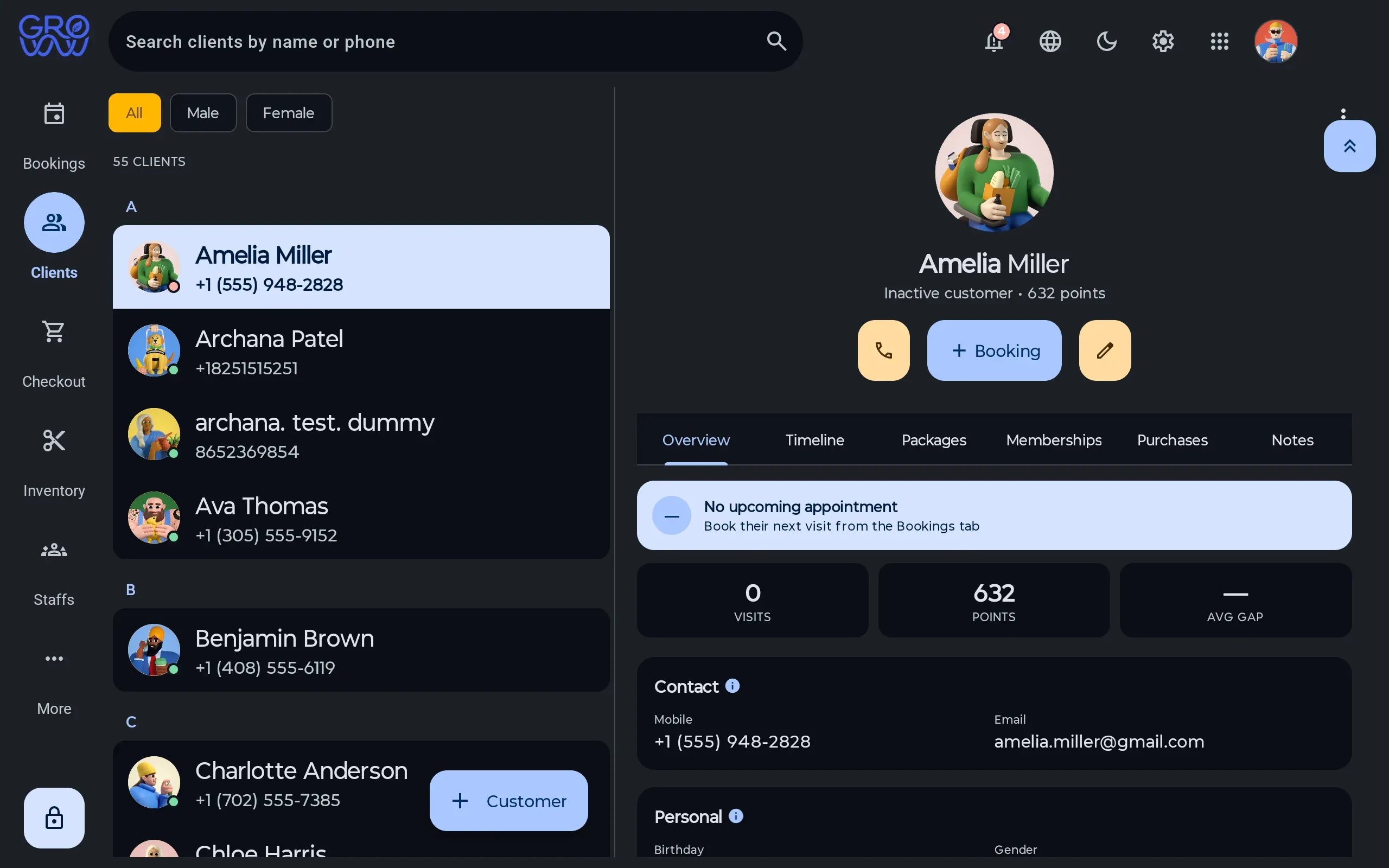
History where the next booking is made
Visit history, preferences, notes, package balances and membership entitlement on one record.
- Package and membership balances visible before checkout
- Notes and preferences that follow the client between staff
- No marketplace between you and the people booking with you
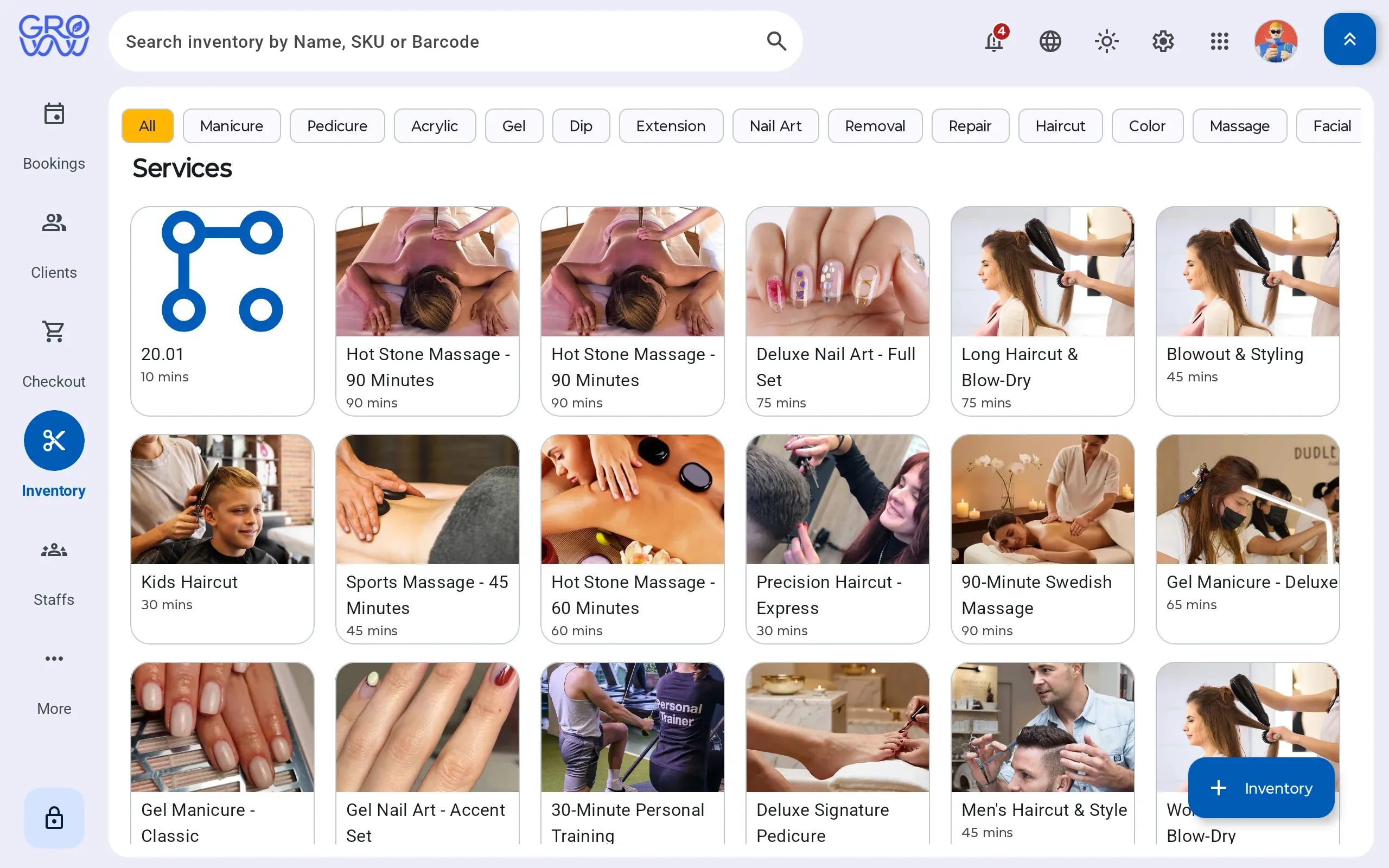
What the service consumed, priced
Retail sold and product consumed by a service move the same stock, so cost stops being a month-end guess.
- Consumption logged against the service that used it
- Retail sold through the same till as the service
- Stock on hand, cost and margin from one ledger
Every tender your clients actually use
Card is the easy part. Gift, loyalty and split tender are where software written for beauty verticals runs out — and each is a real, processed tender here.
Credit
Chip, swipe and tap
Debit
PIN on the terminal
Gift card
Issue, redeem, ledger
Loyalty
Points redeemed at checkout
Cash
Drawer session, open and close
Tap to pay
Contactless on your terminal
Card, phone or watch
Split tender
Any combination, one sale
Card, gift and cash together
Appointment deposits
Taken at booking
On your own processor
Offline mode
Sales continue, upload later
The internet is not a dependency
Built around walk-ins, not around appointments
Nail salons run on a rhythm most booking software gets wrong: a queue of walk-ins, several technicians moving between them, and a checkout that has to be fast enough not to hold up the door.
Groww POS treats the cart as the primary object rather than the appointment. Tips are captured on a display the client can see, which lifts tip rates and removes an awkward conversation from the technician’s job.
Switch with zero downtime
Changing software mid-season is the thing every owner dreads. Here is exactly how it goes.
- 1
We import your data
Clients, services, staff, price list and future appointments — from a spreadsheet or an export from your current platform.
- 2
You keep trading
Run both systems for a week if you want. Nothing is switched off until your team says so.
- 3
Your terminal stays
PAX, Dejavoo or Valor — the hardware you already own and the rate you already have. No re-application, no new merchant account.
Questions we get asked
Is the app really available in Spanish?
Yes. Groww POS ships English, Spanish and French, with roughly 98% string coverage in each — the interface itself, not just documentation.
How fast is checkout for a walk-in?
A walk-in can be added, serviced and settled without creating an appointment first. Draft carts persist if you need to park one and come back.






Keep your terminal. Keep your rate. Keep every feature.
Groww POS runs on the PAX, Dejavoo or Valor terminal you already own — no features held back, no marketplace commission.