


Keep your terminal. Keep your rate. Keep every feature.
Booking, point of sale and payments for salons, spas, clinics and studios.
One checkout, every tender your clients bring
Credit
Chip, swipe and tap
Debit
PIN on the terminal
Gift card
Issue, redeem, ledger
Loyalty
Points redeemed at checkout
Cash
Drawer session, open and close
Tap to pay
Contactless on your terminal
Card, phone or watch
Split tender
Any combination, one sale
Card, gift and cash together
Appointment deposits
Taken at booking
On your own processor
Offline mode
Sales continue, upload later
The internet is not a dependency
Built for ten kinds of business — not just one
Each of these has its own scheduling shape, its own stock problem and its own tender mix. Pick yours.

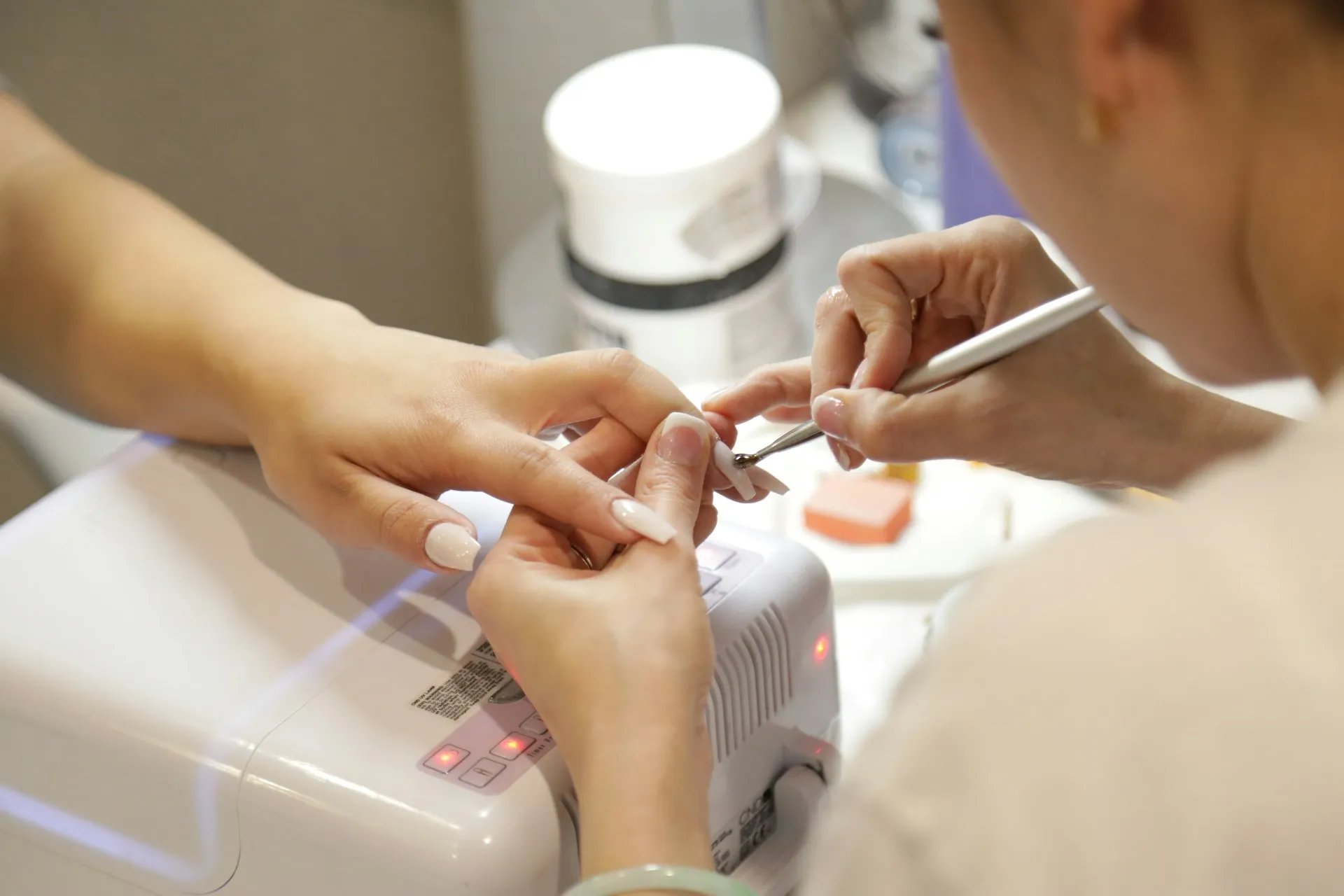








Your terminal is first-class hardware
PAX over direct IP on your network, Dejavoo over the SPIn cloud proxy, or Valor. Your credentials, your merchant account, your negotiated rate — and no feature withheld for using them.
How payments workTenders that go past the card
Split tender across any combination, with gift and loyalty redeemed at the till.
See the tender listYou keep one hundred percent of your clients
There is no consumer marketplace between you and the people who book with you, so there is no commission on a new client and no third-party page in the middle.
Why Groww POSFour screens, one tablet
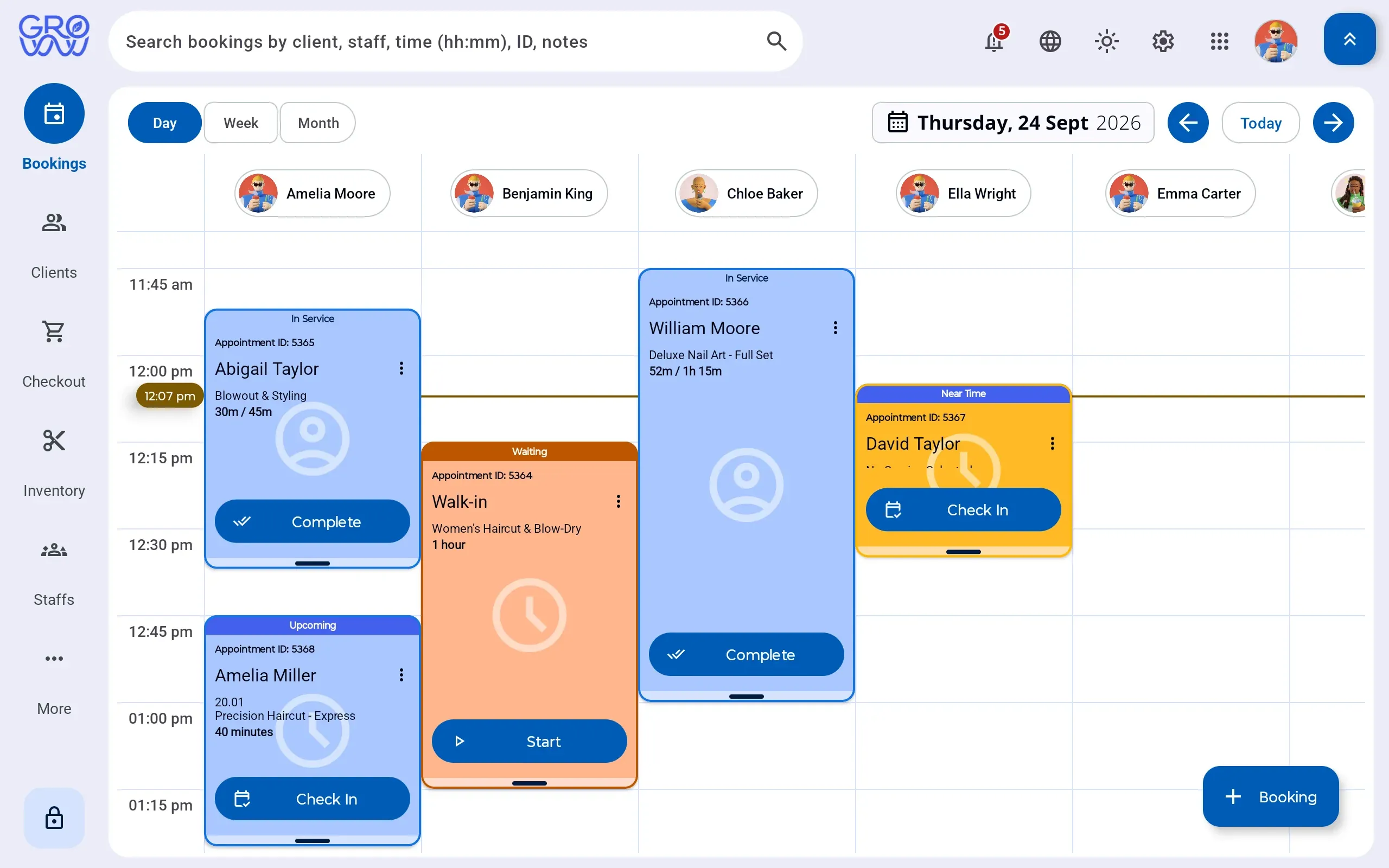
The diary, the till, the client record and the stock room are one system. Pick a screen.
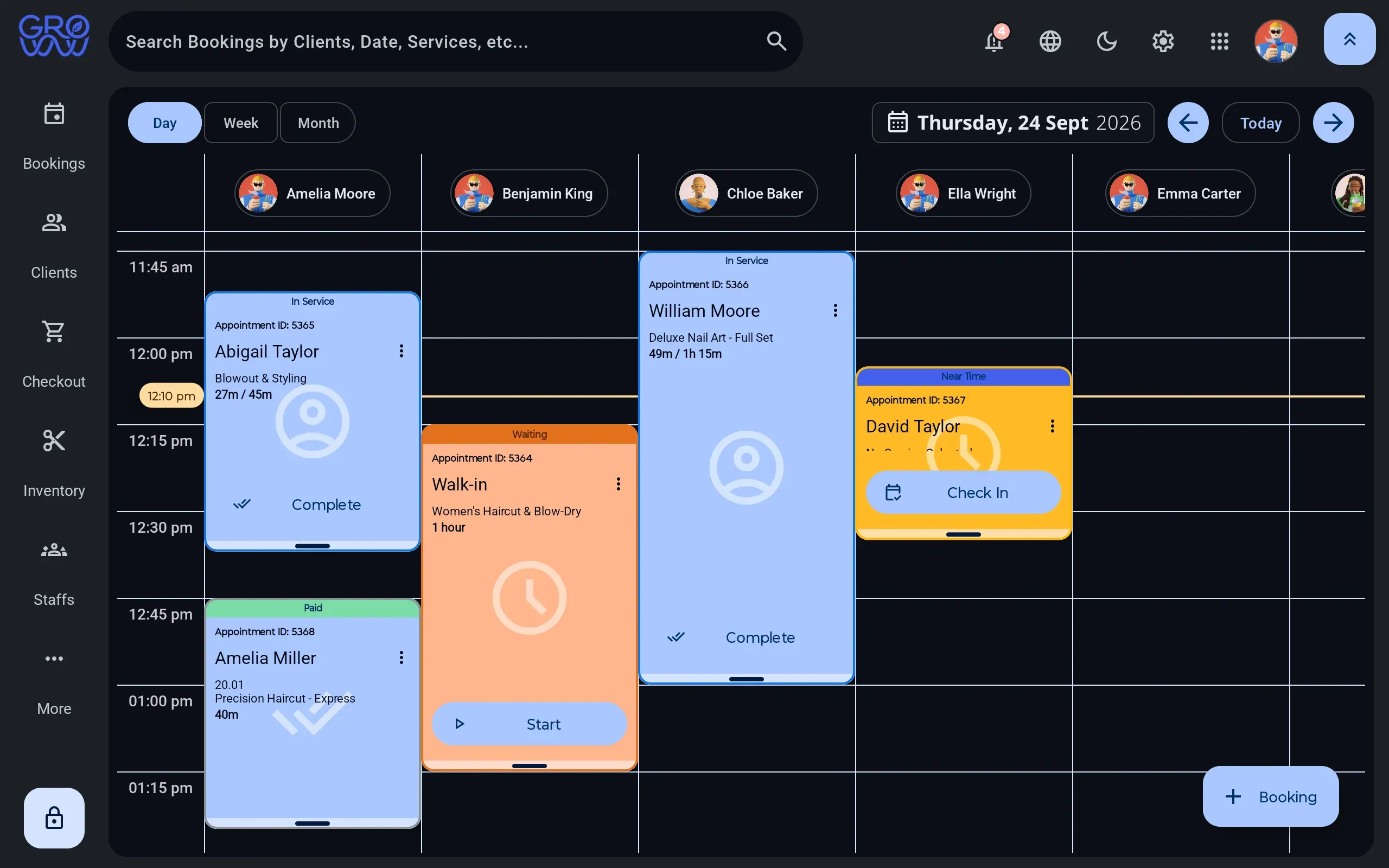
A day you can read at a glance
A column per staff member, per room or per chair — whichever is the constraint for your business.
- Drag to reschedule, with buffer and cleanup time attached to the service
- Rooms, equipment and staff booked as separate resources
- Walk-ins dropped into the next real gap, not a hopeful one
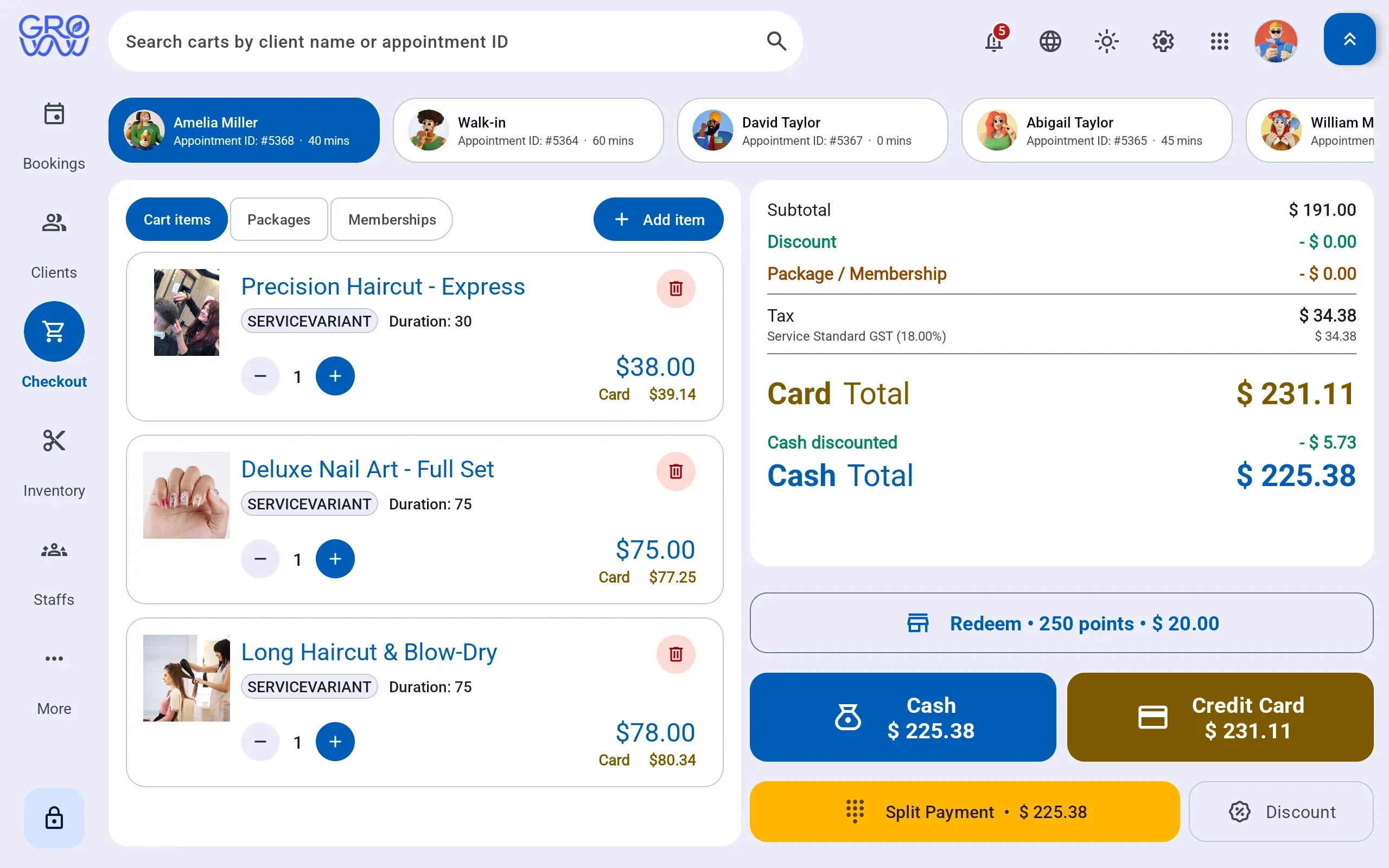
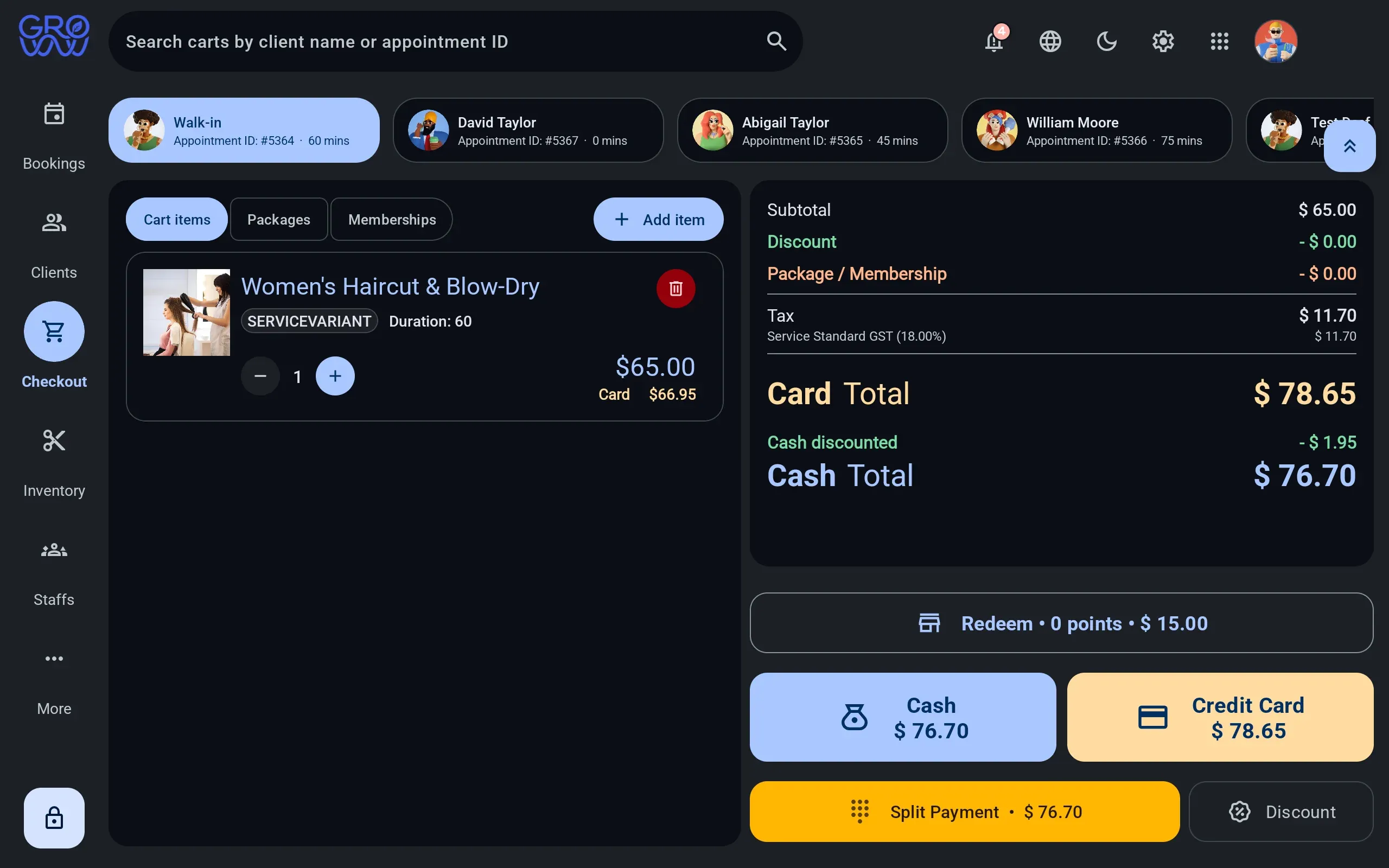
One sale, any combination of tenders
Services, retail, packages and deposits settle together — split across as many tenders as the client brings.
- Card and debit on the PAX, Dejavoo or Valor terminal you already own
- Split tender across any combination in one sale
- Gift card and loyalty redeemed at the till, not reconciled after it
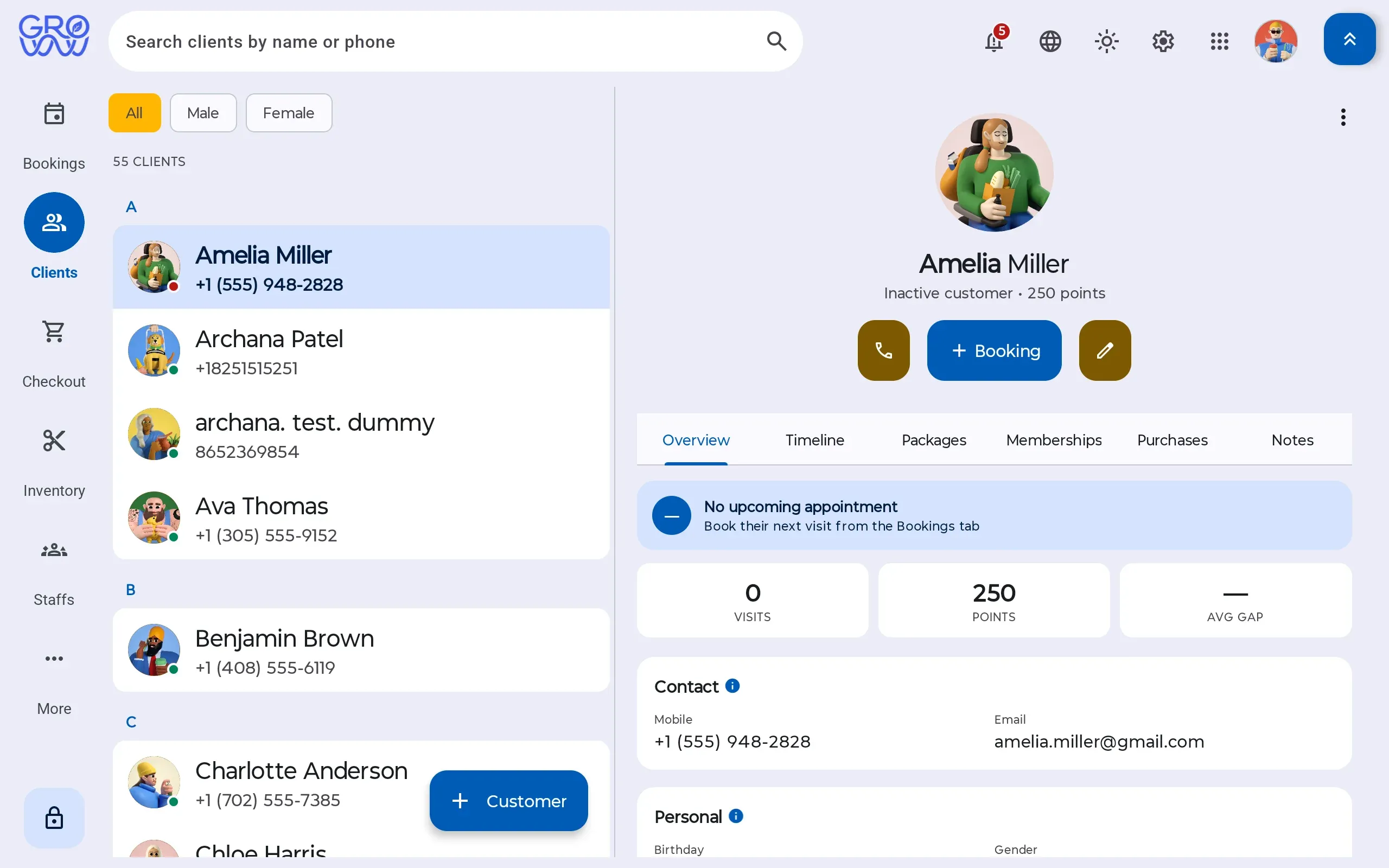
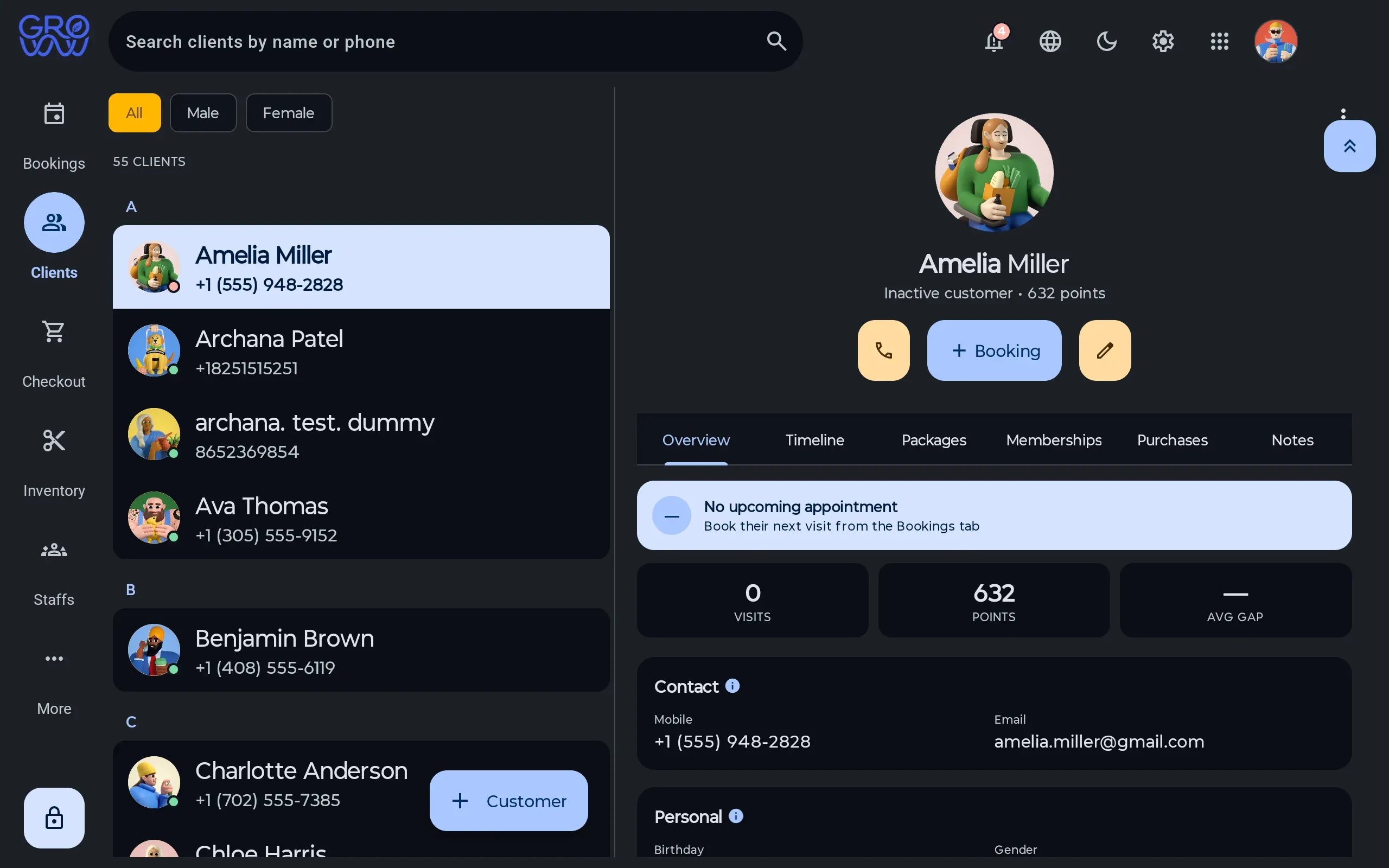
History where the next booking is made
Visit history, preferences, notes, package balances and membership entitlement on one record.
- Package and membership balances visible before checkout
- Notes and preferences that follow the client between staff
- No marketplace between you and the people booking with you
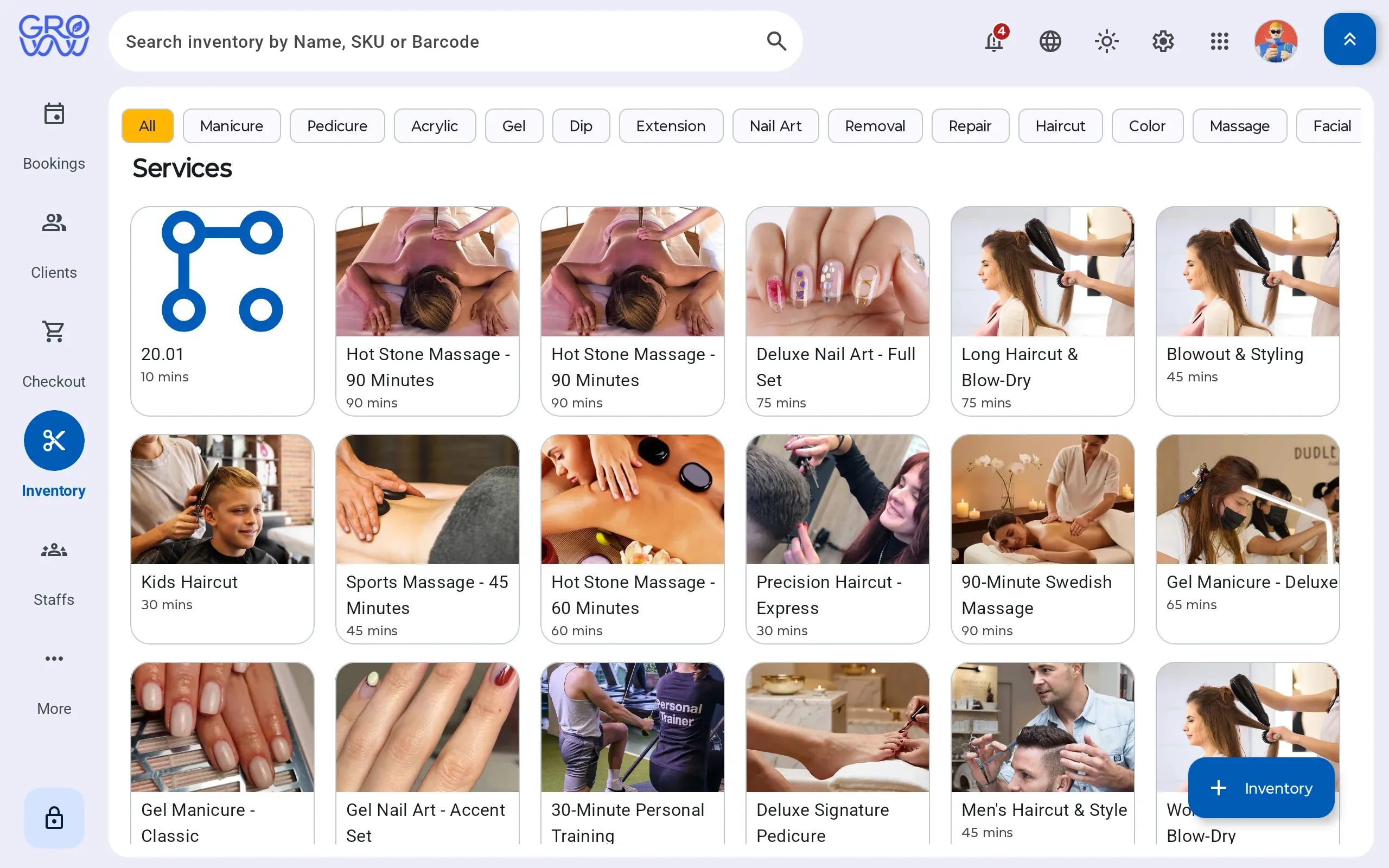
What the service consumed, priced
Retail sold and product consumed by a service move the same stock, so cost stops being a month-end guess.
- Consumption logged against the service that used it
- Retail sold through the same till as the service
- Stock on hand, cost and margin from one ledger
Every tender your clients actually use
Credit
Chip, swipe and tap
Debit
PIN on the terminal
Gift card
Issue, redeem, ledger
Loyalty
Points redeemed at checkout
Cash
Drawer session, open and close
Tap to pay
Contactless on your terminal
Card, phone or watch
Split tender
Any combination, one sale
Card, gift and cash together
Appointment deposits
Taken at booking
On your own processor
Offline mode
Sales continue, upload later
The internet is not a dependency
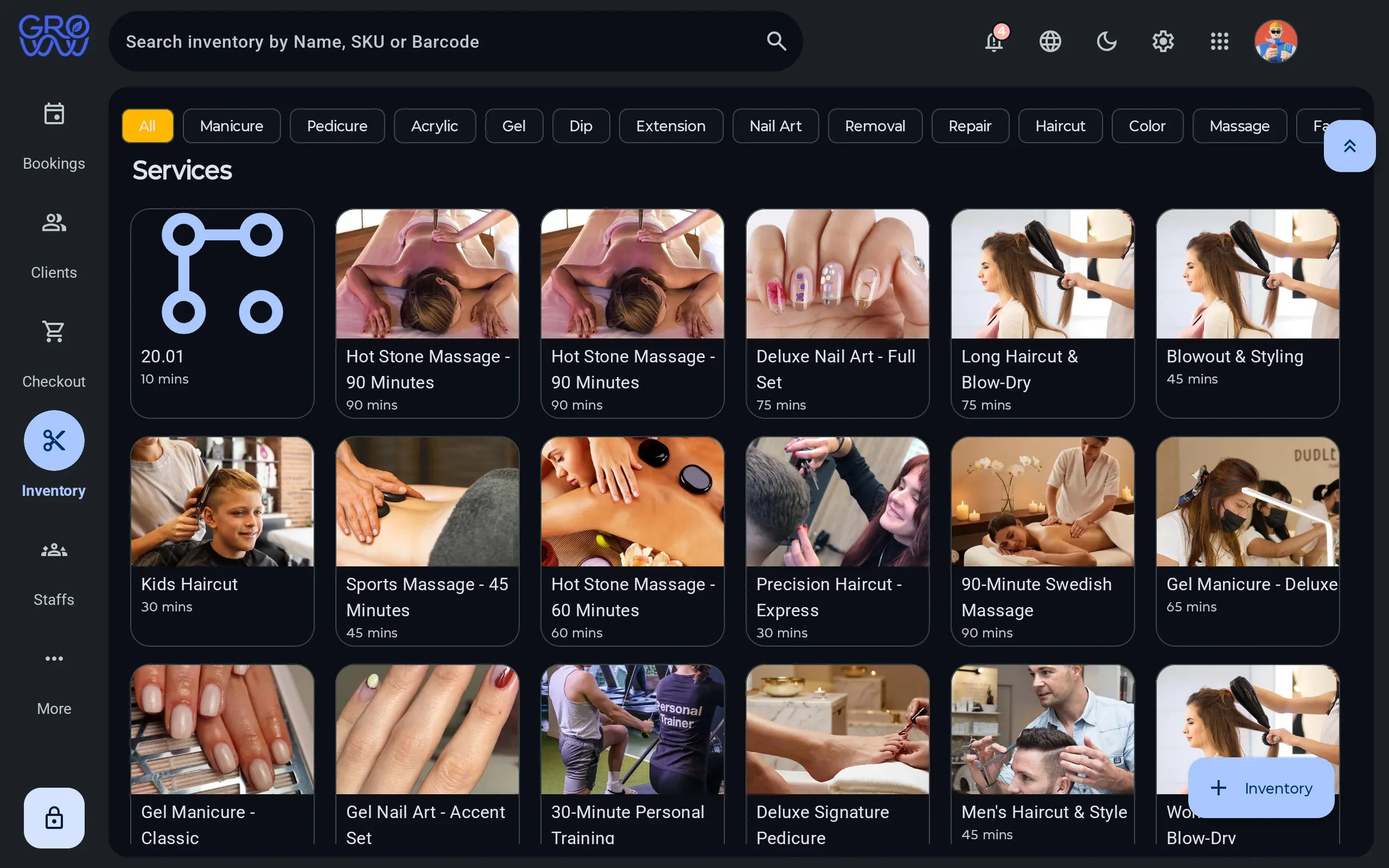
Everything is ready for you
One system, five ways in
The counter, the self check-in tablet, back office, your team’s phones and your client’s phone — all on the same bookings and client records.
-
Groww POS
- Android
The app your team works in all day — calendar, checkout, terminal, clients, stock. Built for a tablet on the counter, and it keeps taking sales when the internet drops.
- Booking, checkout and every tender
- Drives your PAX, Dejavoo or Valor terminal
- Offline mode with deferred upload
- English, Spanish and French
- Clients, memberships, packages and loyalty

Shipping — Google Play listing coming soon
- New
Groww Customer
- iPhone
- Android
- Web
The app your clients carry: their appointments, their points, their membership and their package balances — and a booking screen that reads your real calendar.
- Book, reschedule and manage appointments
- Loyalty points, tier progress and rewards
- Membership, package balances and expiry dates
- Receipts, purchases and profile preferences
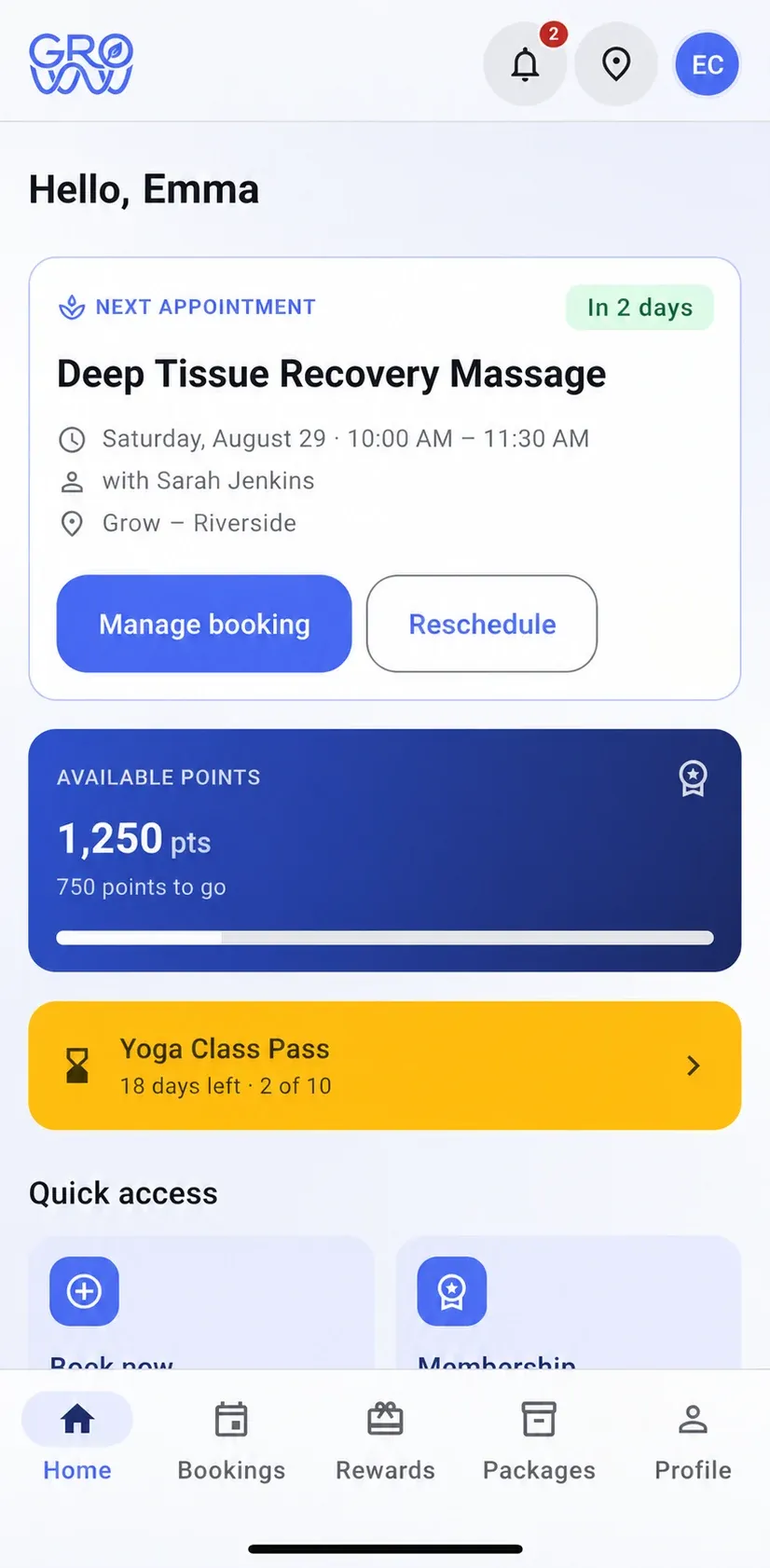

Shipping — App Store and Google Play listings coming soon
-
Groww Staff
- iPhone
- Android
- Web
The app your team carries — on whatever phone they own, or in a browser: their own day, their own appointments and what they have earned, without handing a stylist the till or the reporting.
- Their own schedule and today’s appointments
- Client notes and history before the chair
- Commission and tips earned in the period
- Permissions decide what they can see
- Any phone they own, or a browser
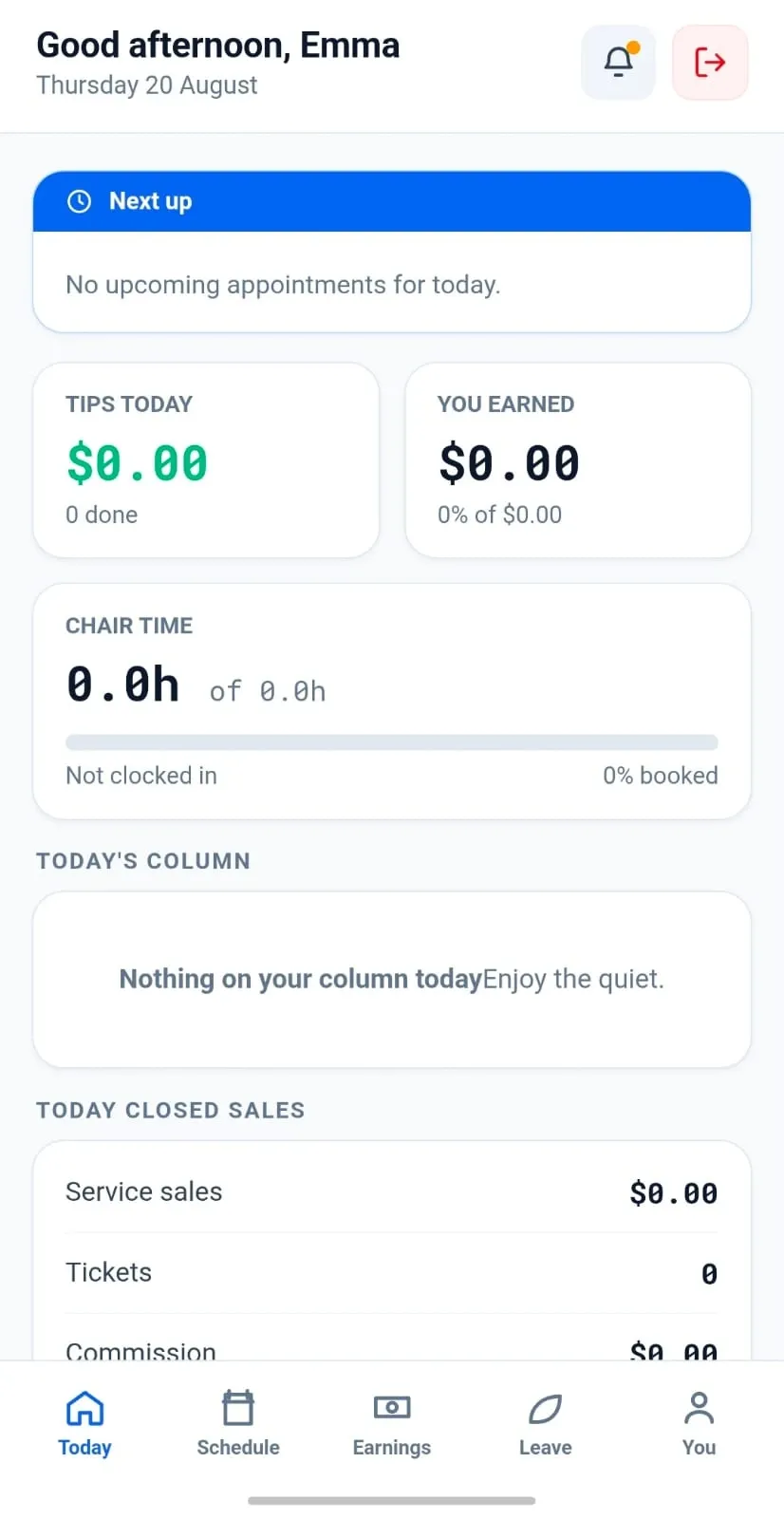
Shipping — App Store and Google Play listings coming soon
-
BackOffice
- Web
The browser side: catalogue, staff, pay profiles, locations and registers. Opened from the app, so there is nothing extra to install.
- Catalogue, pricing and stock
- Staff, pay profiles and payroll periods
- Locations, registers and permissions
- Runs in any modern browser
- The day close, takings and staff performance
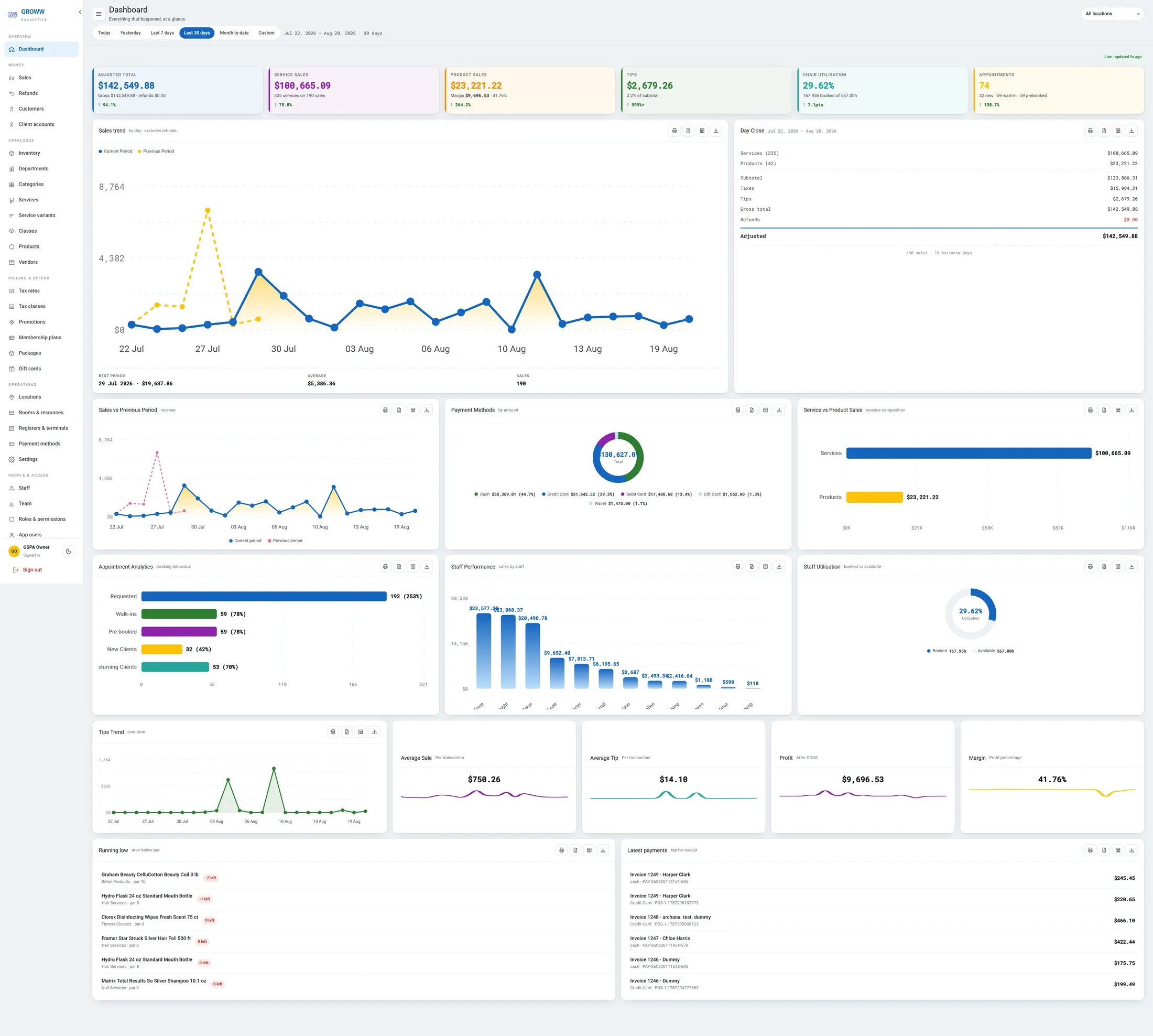 Works directly in your browser
Included with your account
-
Groww Self Check-In
- Android
A tablet on the front desk that faces the client rather than the team. Booked clients check themselves in, walk-ins check in or book a slot on the spot, and the screen returns to the start on its own after a set idle time.
- Self check-in for arriving clients
- Walk-ins check in or book a slot on the spot
- Resets to the start screen after a set idle time

In development — details to follow

Switch with zero downtime
Changing software mid-season is the thing every owner dreads. Here is exactly how it goes.
- 1
We import your data
Clients, services, staff, price list and future appointments — from a spreadsheet or an export from your current platform.
- 2
You keep trading
Run both systems for a week if you want. Nothing is switched off until your team says so.
- 3
Your terminal stays
PAX, Dejavoo or Valor — the hardware you already own and the rate you already have. No re-application, no new merchant account.
Keep your terminal. Keep your rate. Keep every feature.
Groww POS runs on the PAX, Dejavoo or Valor terminal you already own — no features held back, no marketplace commission.