

Feature
Booking & calendar
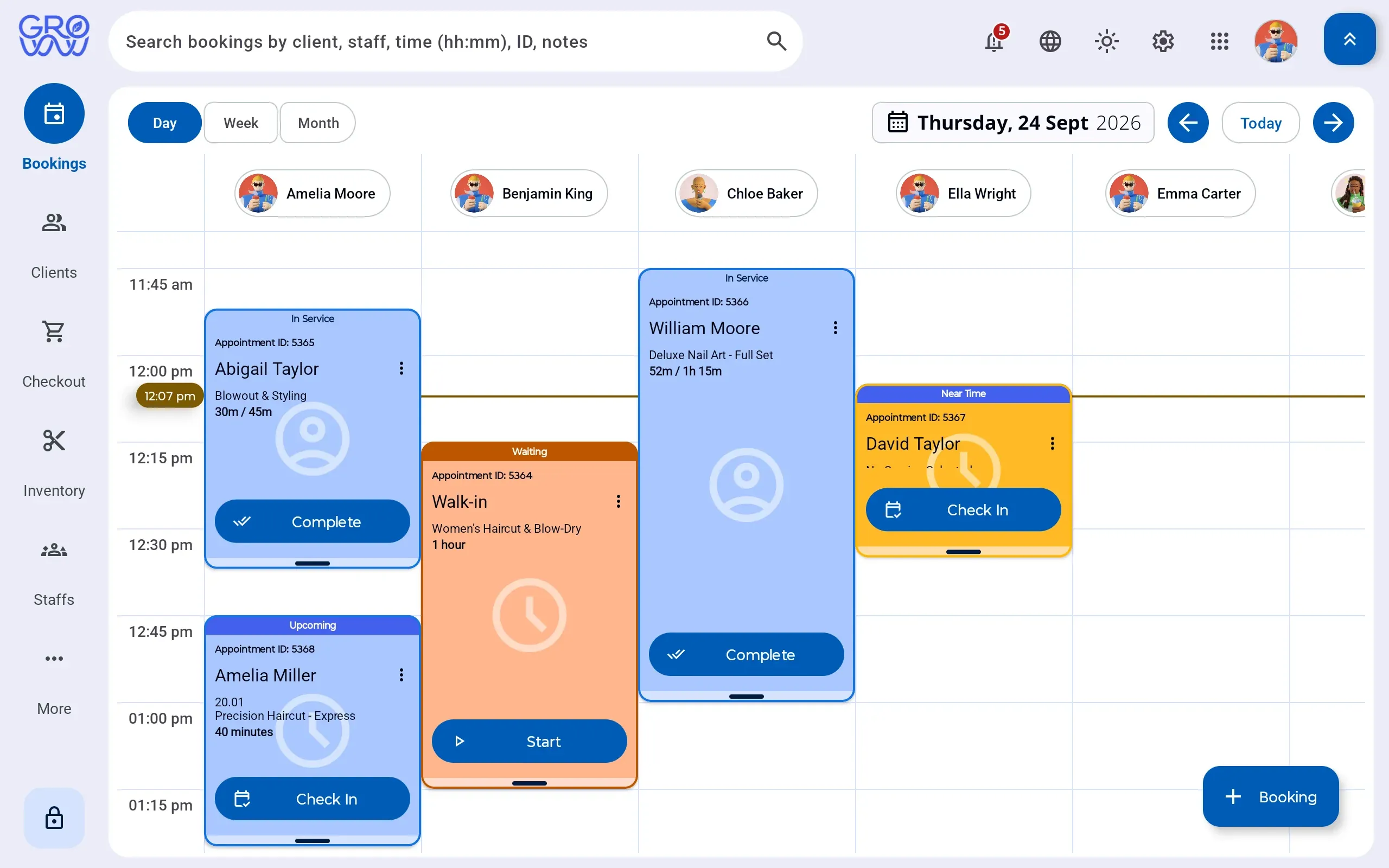
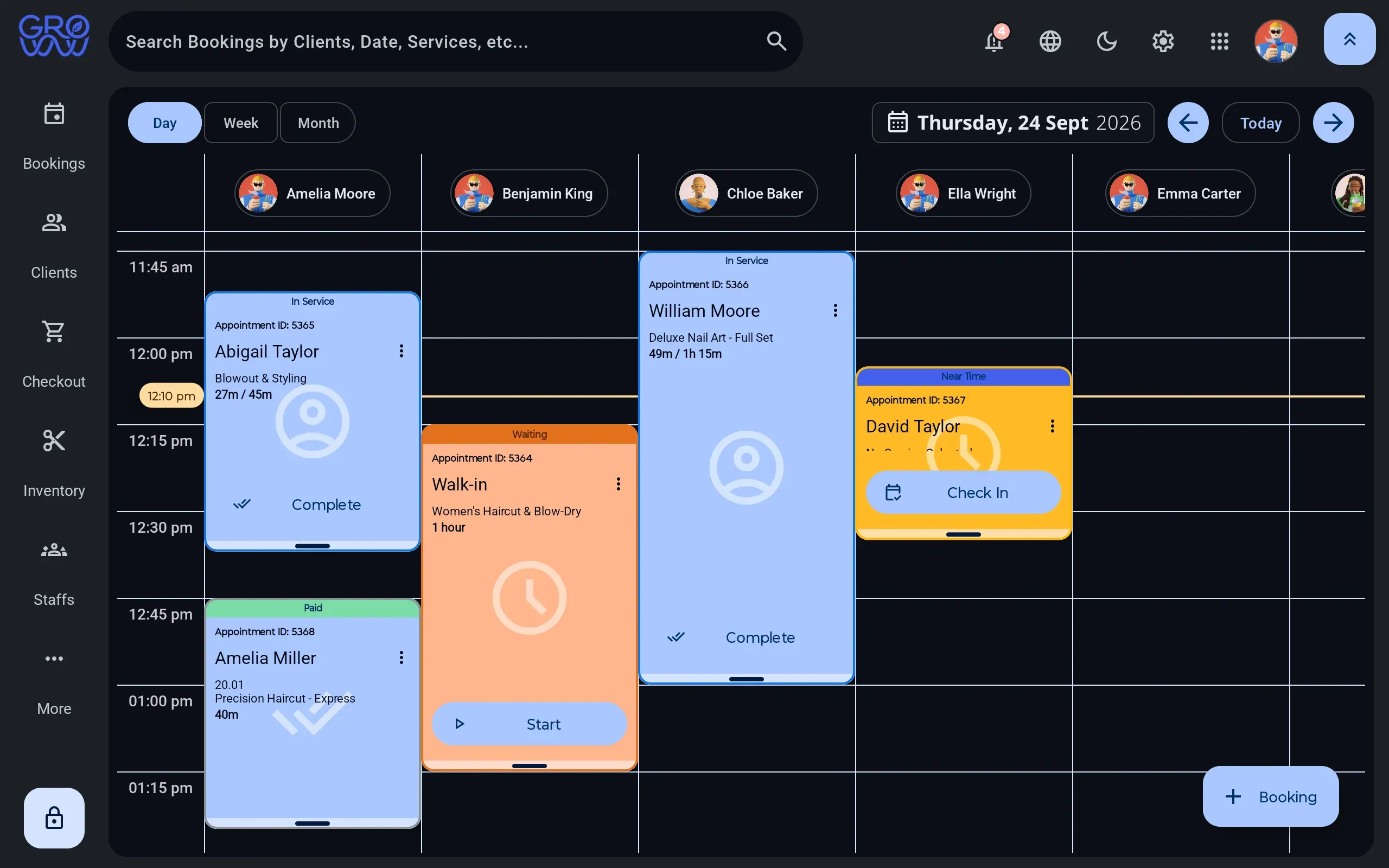
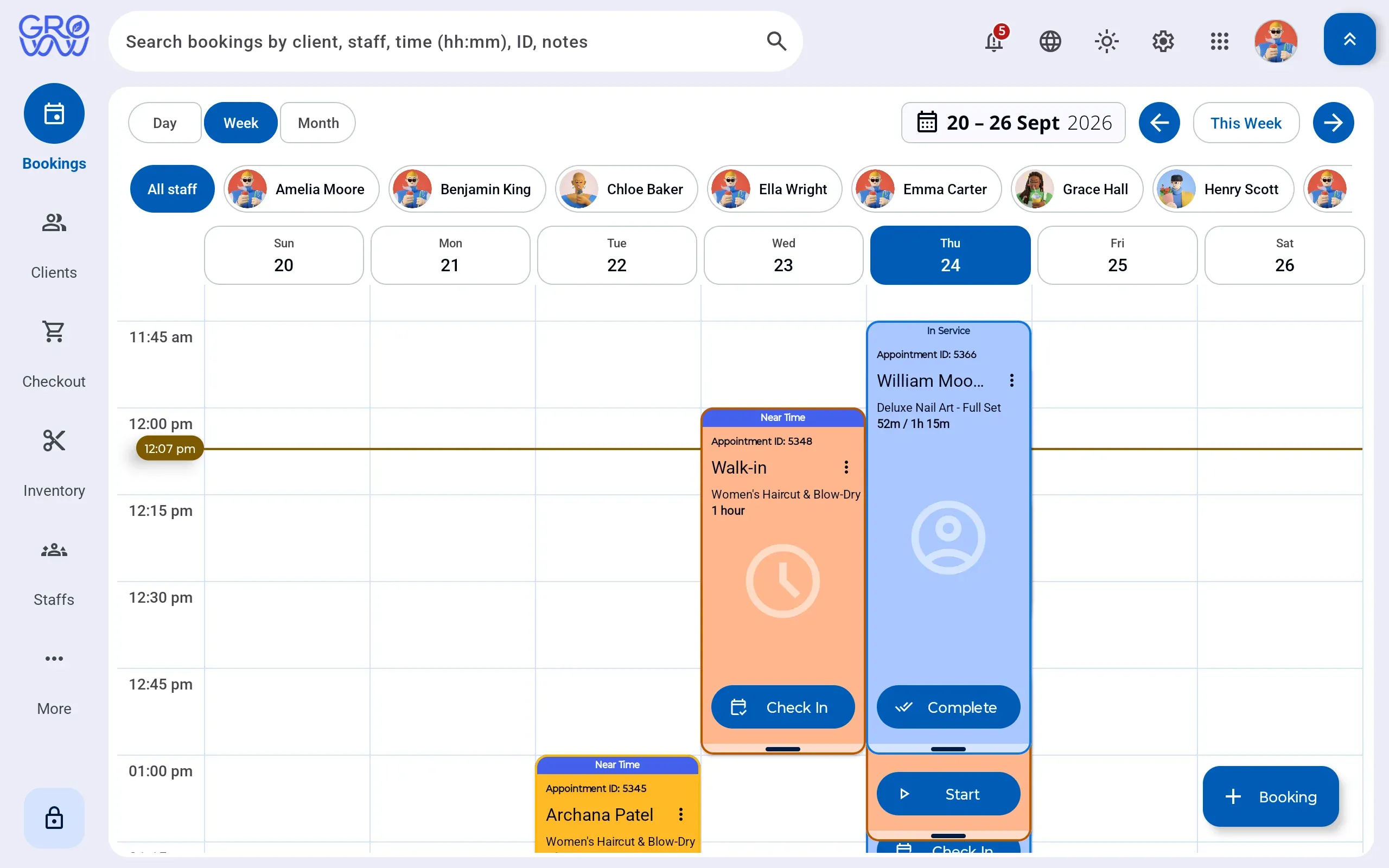
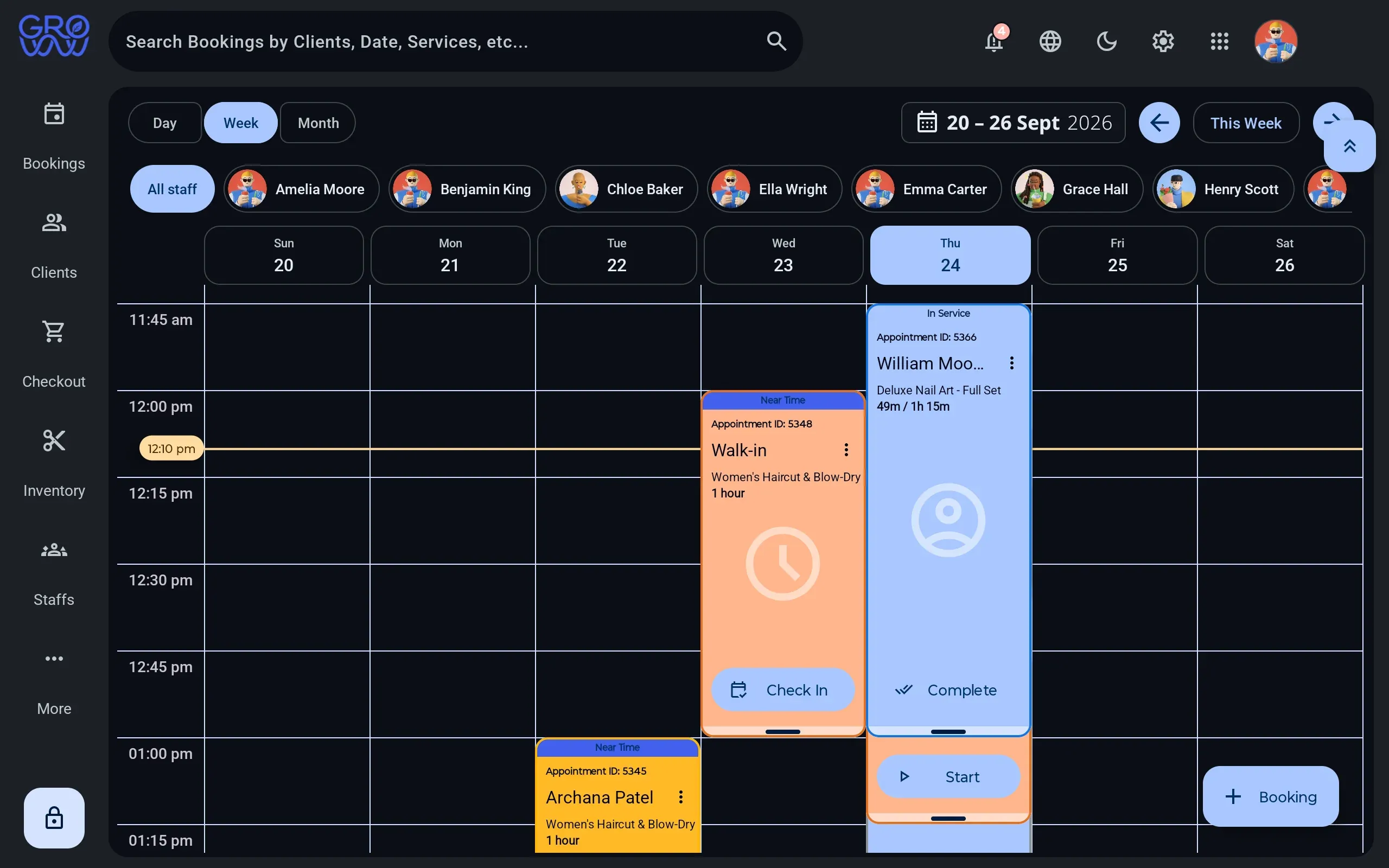
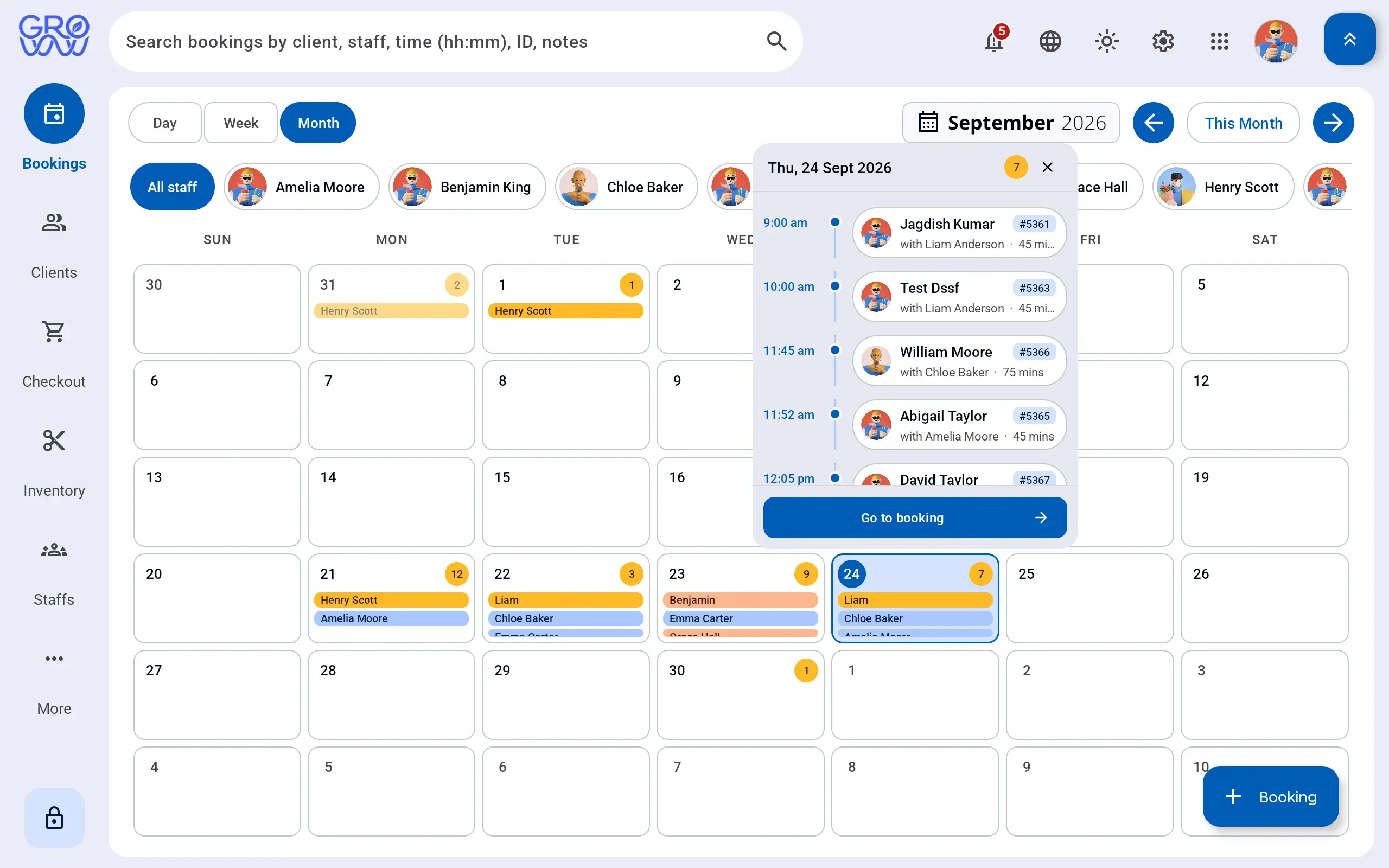
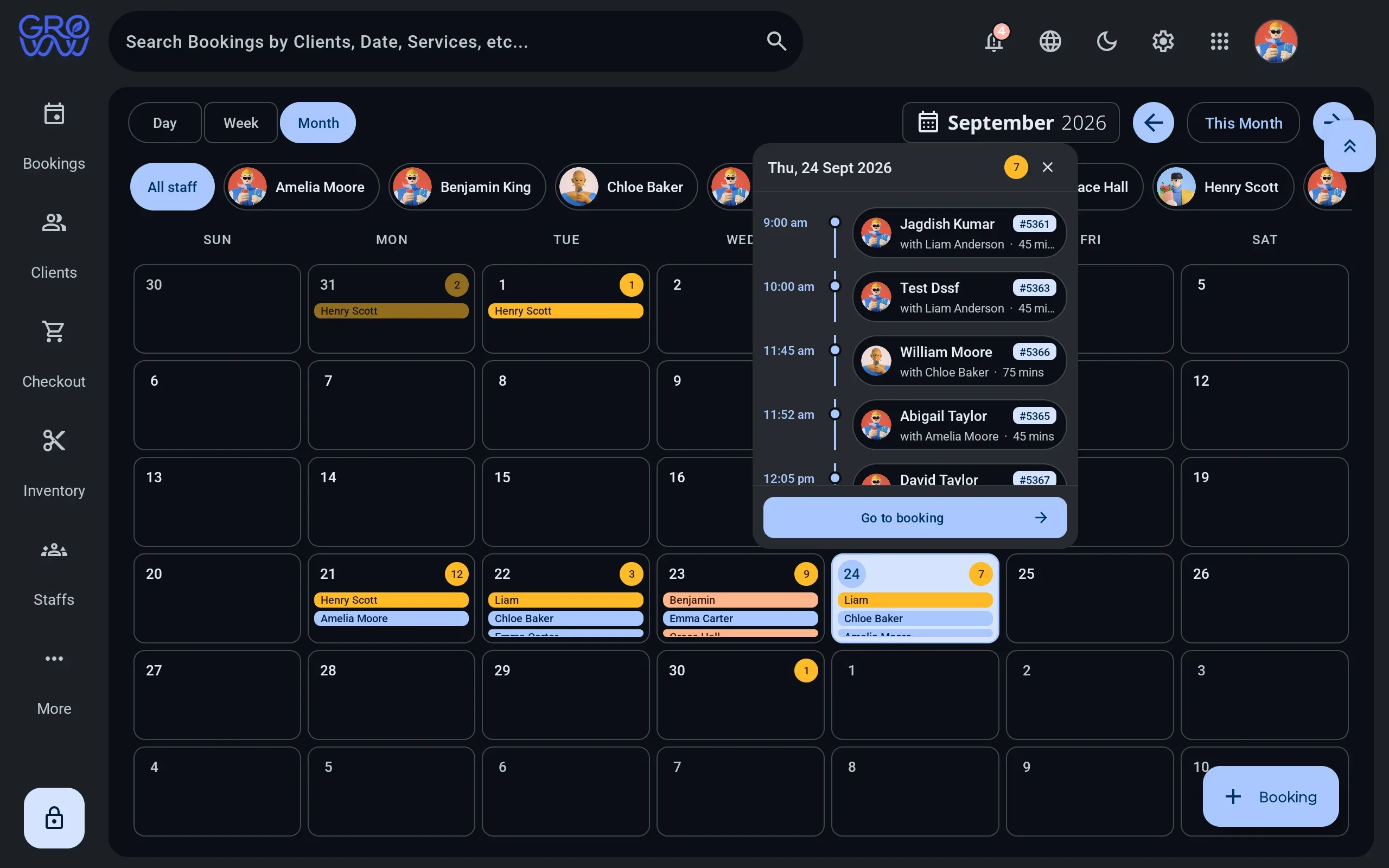
A horizontal day grid with a column per staff member, room or chair — drag to reschedule, with buffer and cleanup time built into the service rather than remembered by the front desk.
- Your terminal, your negotiated rate
- No marketplace commission
- Gift card, loyalty and split tenders
What it does
Everything on this list is in the product today. What is not built is on the roadmap, not in this column.
- Day grid with a column per staff member or resource One horizontal grid, so a room, a chair and a therapist read as three columns rather than three screens.
- Drag and drop rescheduling Move the appointment where it belongs; the client record and the till follow it.
- Service duration, buffer and cleanup time on the service definition Set on the service once, so the front desk never has to remember to leave the gap.
- Resources and resource requirements — rooms, beds, equipment A service that needs a room cannot be booked into a slot where the room is taken.
- Business hours and per-staff availability windows Availability comes off the staff record, so the calendar and online booking agree.
- Waitlist entries, promoted when a slot frees A cancellation becomes an offer instead of an empty hour.
- Classes, sessions and enrolments for studios The same grid holds a one-to-one appointment and a class of twelve.
- Appointment status and attendance tracking Booked, arrived, completed, no-show — recorded as it happens, not reconstructed later.
- Appointment deposits taken at booking Charged on the terminal you already own, at the rate you already negotiated.
- Draft carts saved against the appointment Start the sale mid-service, park it, and pick it up at the counter.
The calendar is the screen the business lives on
Everything else in a salon or clinic system is downstream of the day view. If it is slow to read, slow to change or lies about availability, nothing after it can be right.
Groww POS models the constraints properly: a service knows how long it takes, how long the room needs afterwards, and which resources it requires. The slot offered is a slot that exists.
Clients book into this calendar, not a copy of it
For most of this product’s life, self-booking was the honest gap — and it was written here rather than left for a demo call to discover. It is now built. The customer app runs on iPhone, Android and the browser, and the slots it offers come from this day grid, with the same duration, buffer, availability and resource rules applied.
A booking a client makes at 11:30 on Thursday is a slot the desk can no longer sell, and the desk sees it immediately. What is not yet in the client’s hands is class enrolment and joining a waitlist — staff still do both from the tablet.
Switch with zero downtime
Changing software mid-season is the thing every owner dreads. Here is exactly how it goes.
- 1
We import your data
Clients, services, staff, price list and future appointments — from a spreadsheet or an export from your current platform.
- 2
You keep trading
Run both systems for a week if you want. Nothing is switched off until your team says so.
- 3
Your terminal stays
PAX, Dejavoo or Valor — the hardware you already own and the rate you already have. No re-application, no new merchant account.
Questions we get asked
Can I book a room and a therapist at the same time?
Yes. Rooms, equipment and staff are separate bookable resources, and a service declares what it requires before a slot is offered.
Does the calendar handle classes as well as appointments?
Yes. A class definition produces sessions, and clients are enrolled into a session with a capacity and a waitlist behind it.
Can clients book themselves online?
Yes, through the Groww Customer App — iPhone, Android or the browser. What it offers is drawn from this calendar, so service duration, buffer time, staff availability and resource requirements are all applied before a slot is shown.
What about no-shows?
Attendance is tracked on the appointment, and deposits can be required per service so a cancelled slot is not a total loss.
Works with
- Customer app Your clients get their own app — on iPhone, Android or the web — where they book their next appointment against your live calendar, and see the points, membership, packages and receipts that were previously only visible at your counter.
- Point of sale A cart that holds services, retail, packages and deposits together, with multi-rate tax, promotions, tips and any combination of tenders settling in one transaction.
- Clients One record per client with visit history, notes, reminders, loyalty balance, package balances and membership entitlement — and no marketplace sitting between you and them.
Explore every feature
Scheduling & checkout
- Booking & calendar
- Customer app
- Classes & enrolments
- Point of sale
- Payments
- Receipts & printing
Clients & staff
Keep your terminal. Keep your rate. Keep every feature.
Groww POS runs on the PAX, Dejavoo or Valor terminal you already own — no features held back, no marketplace commission.