

Massage Therapy software
Massage therapy booking and checkout on one tablet
Therapist scheduling with real buffer time, deposit-backed bookings that survive a no-show, and intake notes attached to the client rather than a clipboard.
- Your terminal, your negotiated rate
- No marketplace commission
- Gift card, loyalty and split tenders

Built for the work
How Massage Therapy teams actually run
Buffer and cleanup on every service
A ninety-minute massage is not a ninety-minute slot. Setup, cleanup and note-writing time live on the service, so back-to-back bookings stay possible rather than theoretical.
Deposits that hold the slot
Take a deposit at booking on your own terminal and processor. A held appointment costs the therapist nothing to keep and something to break.
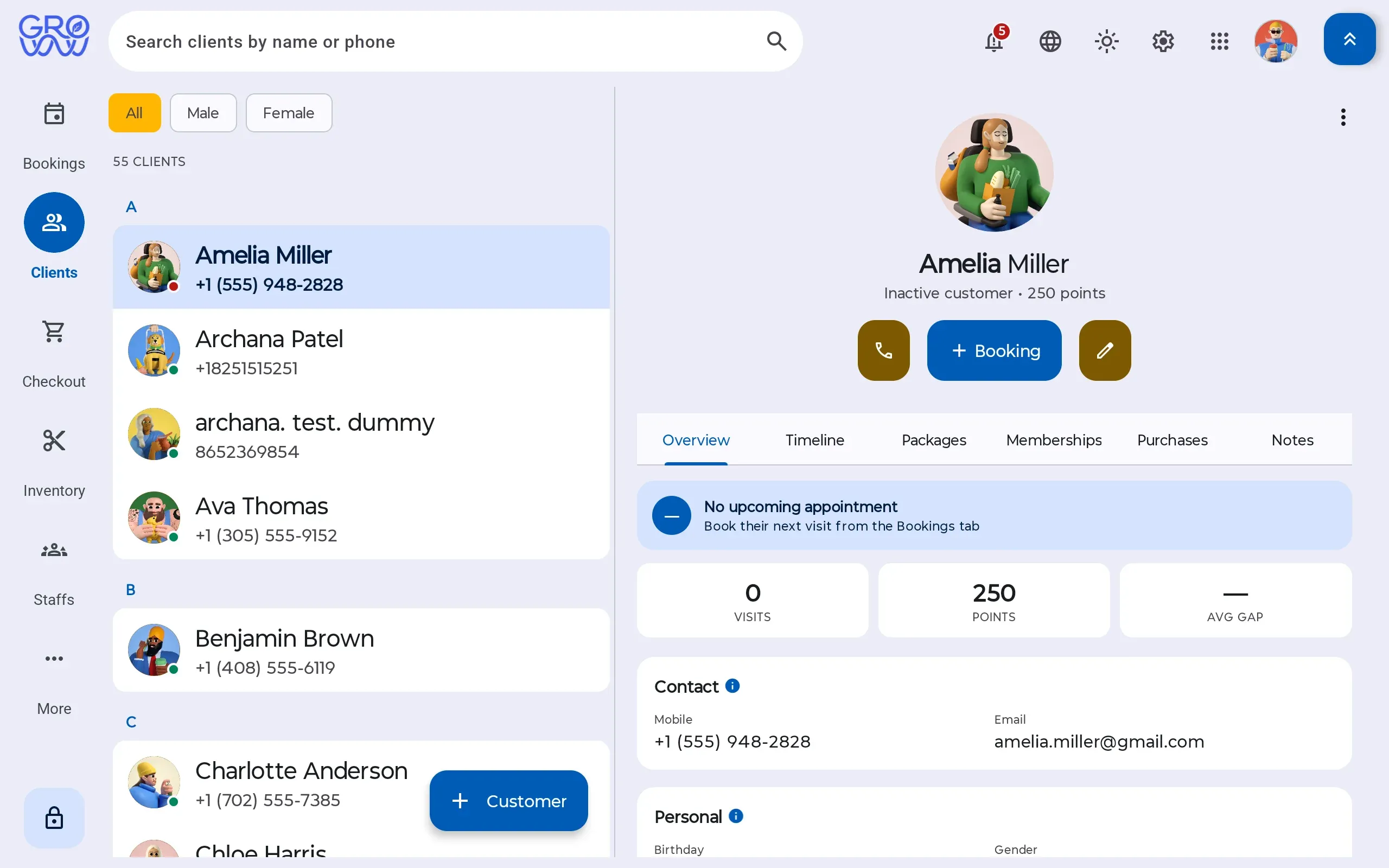
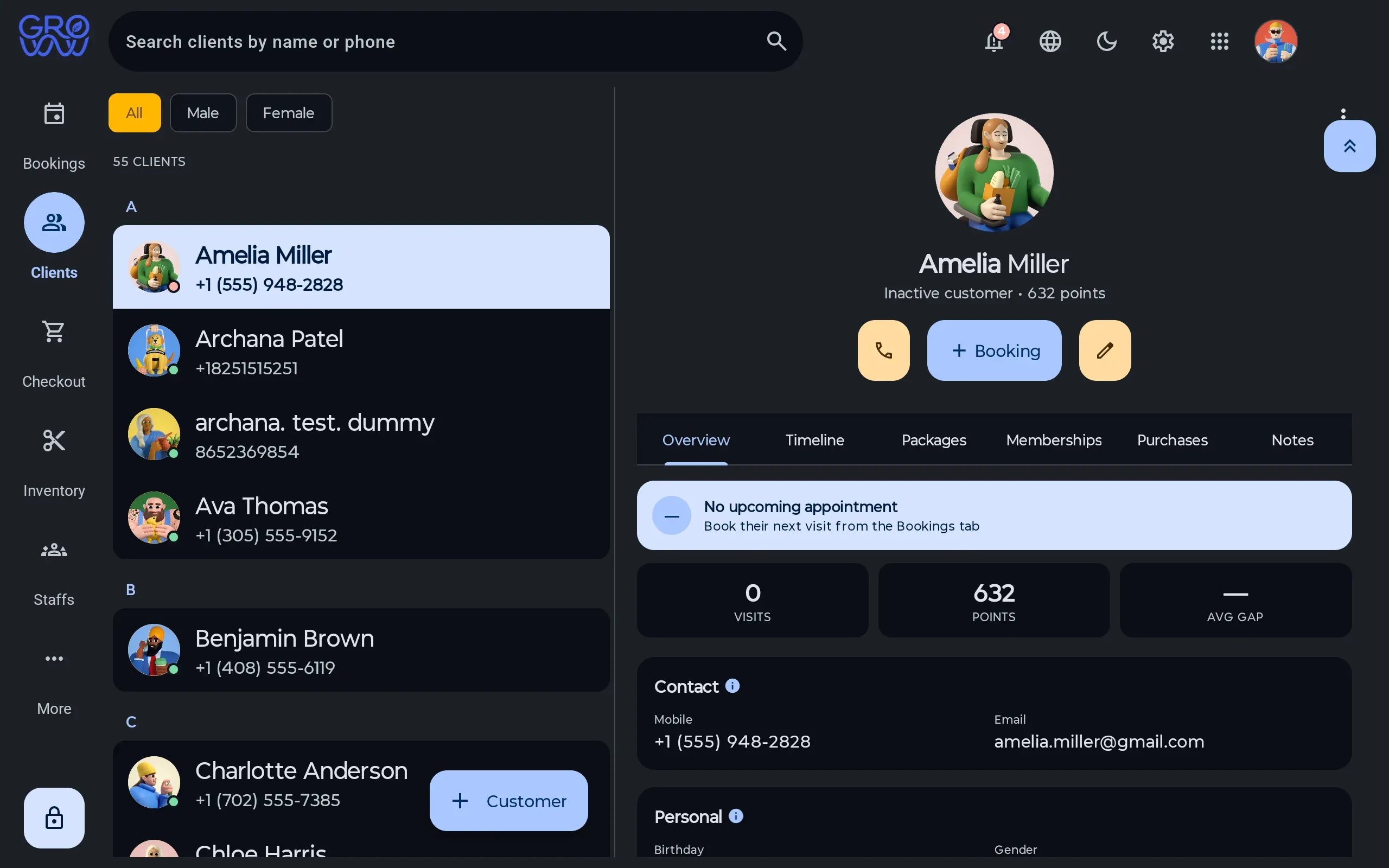
Client history where the therapist looks
Pressure preferences, contraindications and what was worked on last time sit on the client profile, visible before the session rather than after it.
Four screens, one tablet
The same system runs the diary, the till, the client record and the stock room. Pick a screen.
A day you can read at a glance
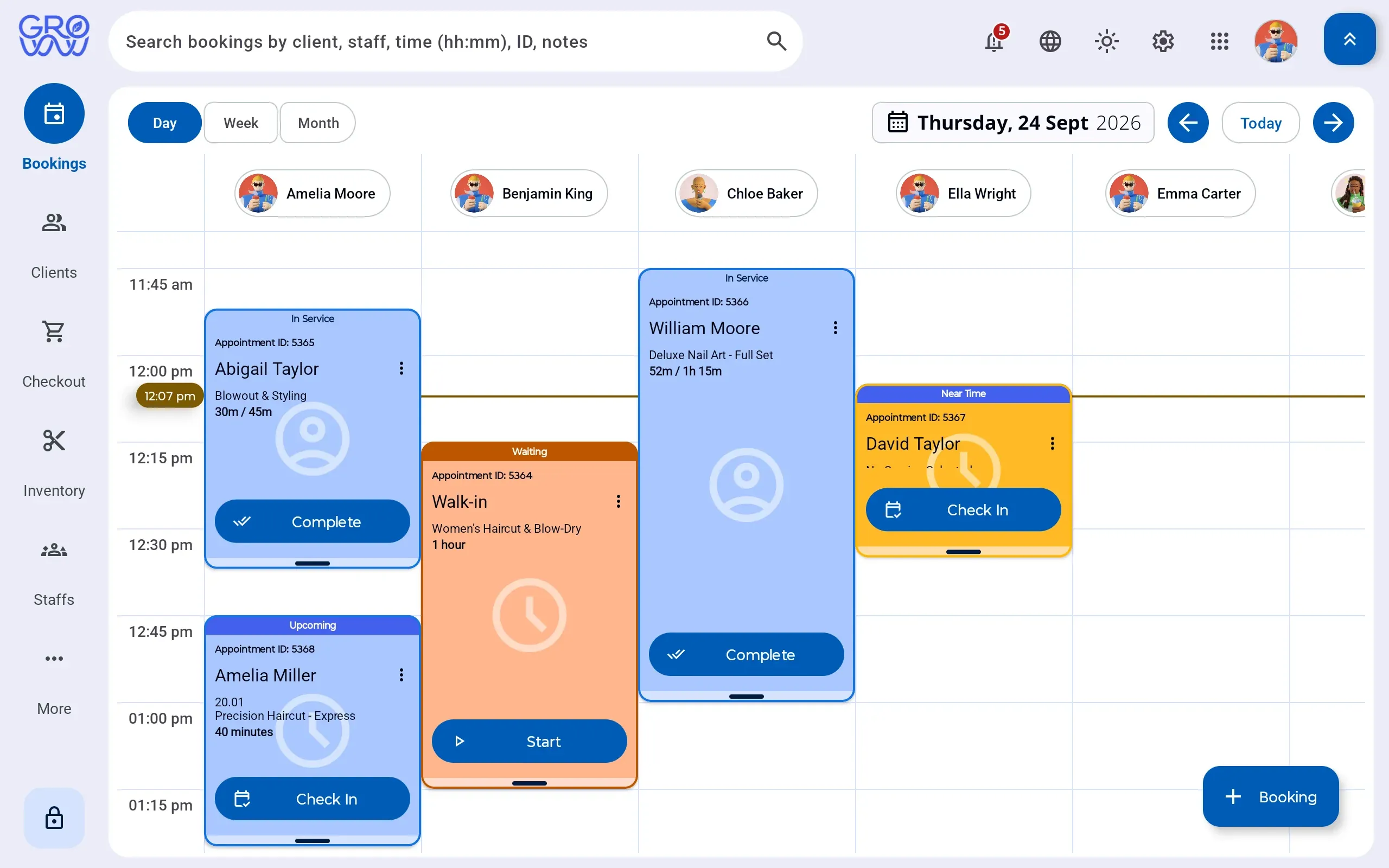
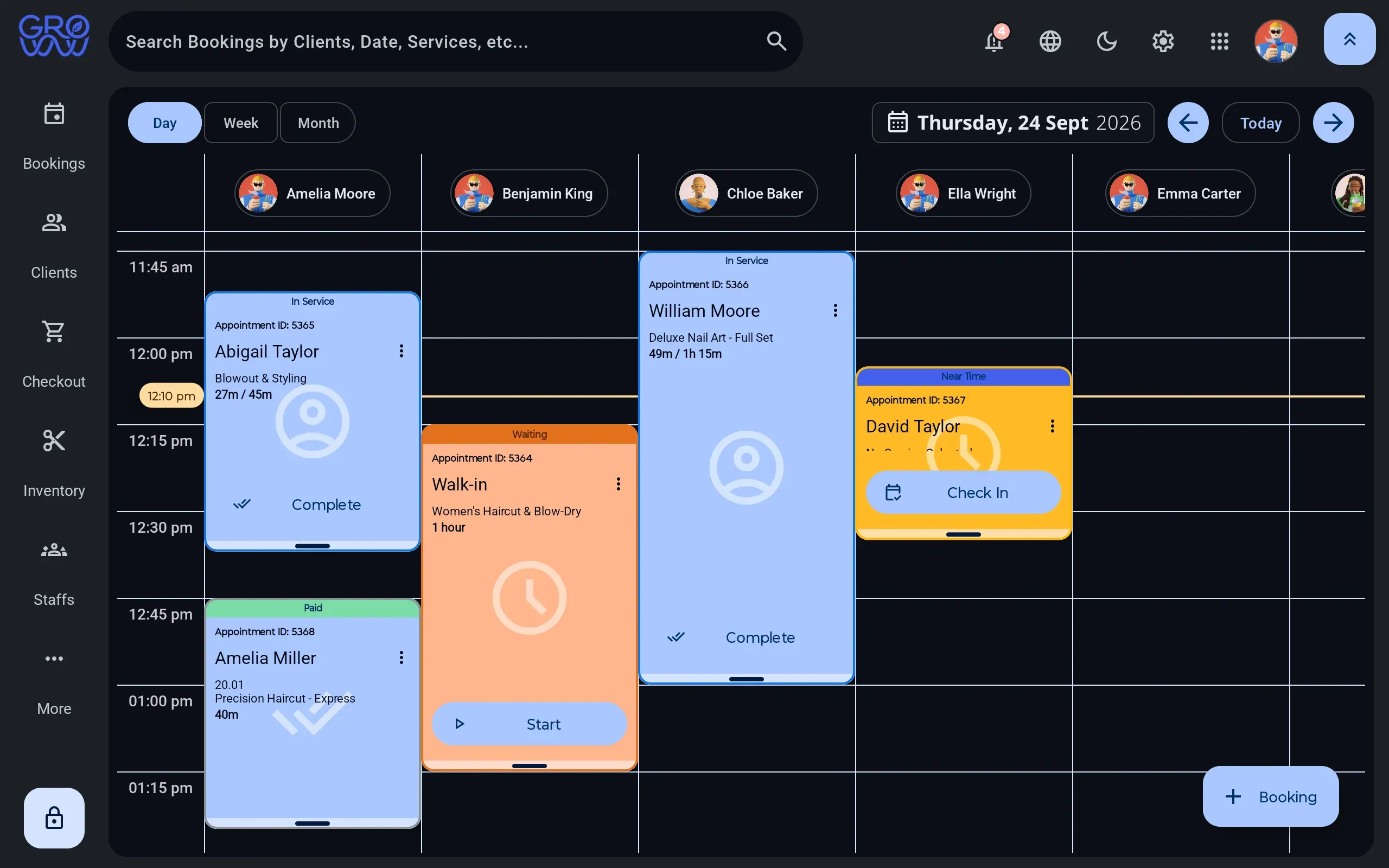
A column per staff member, per room or per chair — whichever is the constraint for Massage Therapy teams.
- Drag to reschedule, with buffer and cleanup time attached to the service
- Rooms, equipment and staff booked as separate resources
- Walk-ins dropped into the next real gap, not a hopeful one
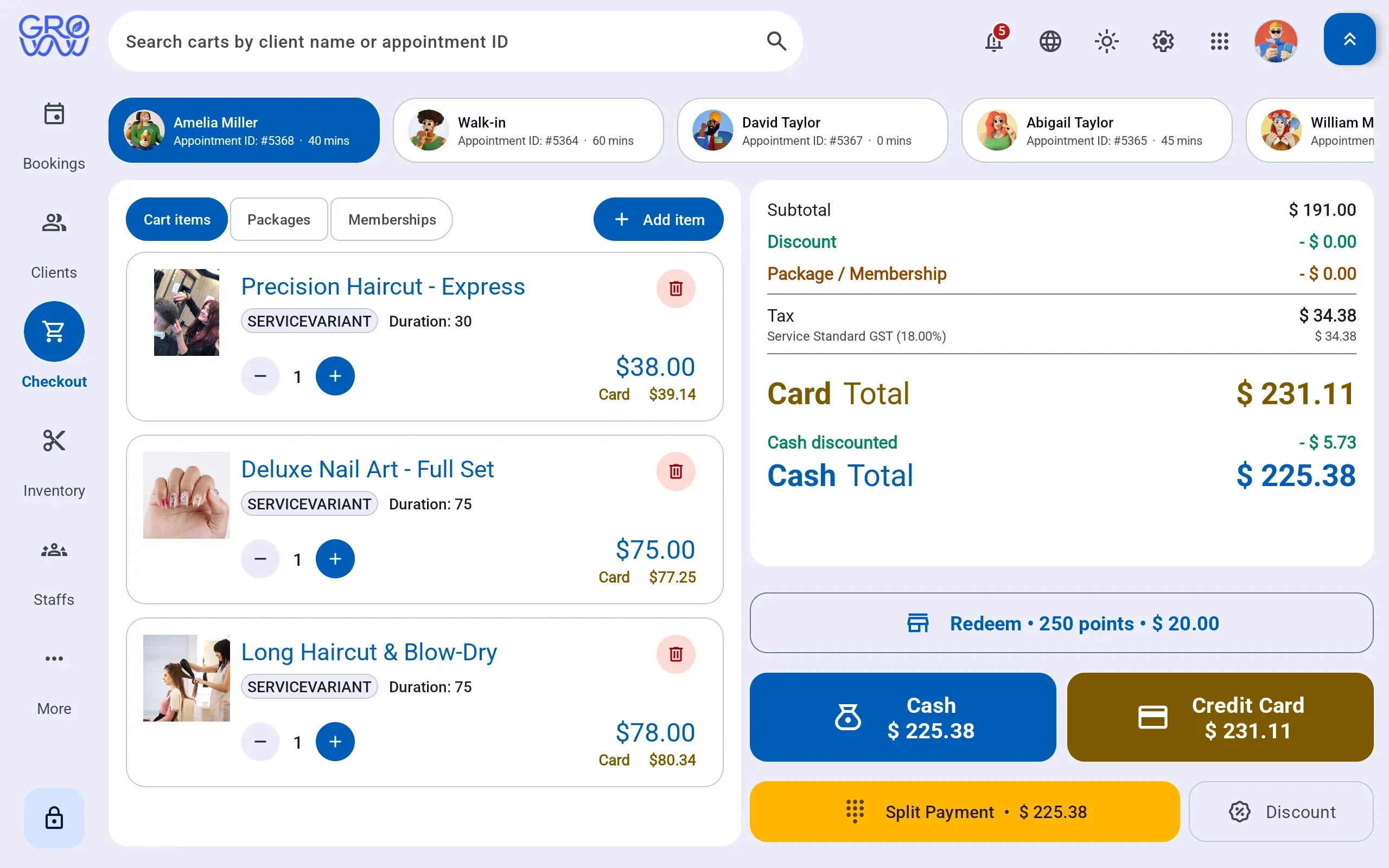
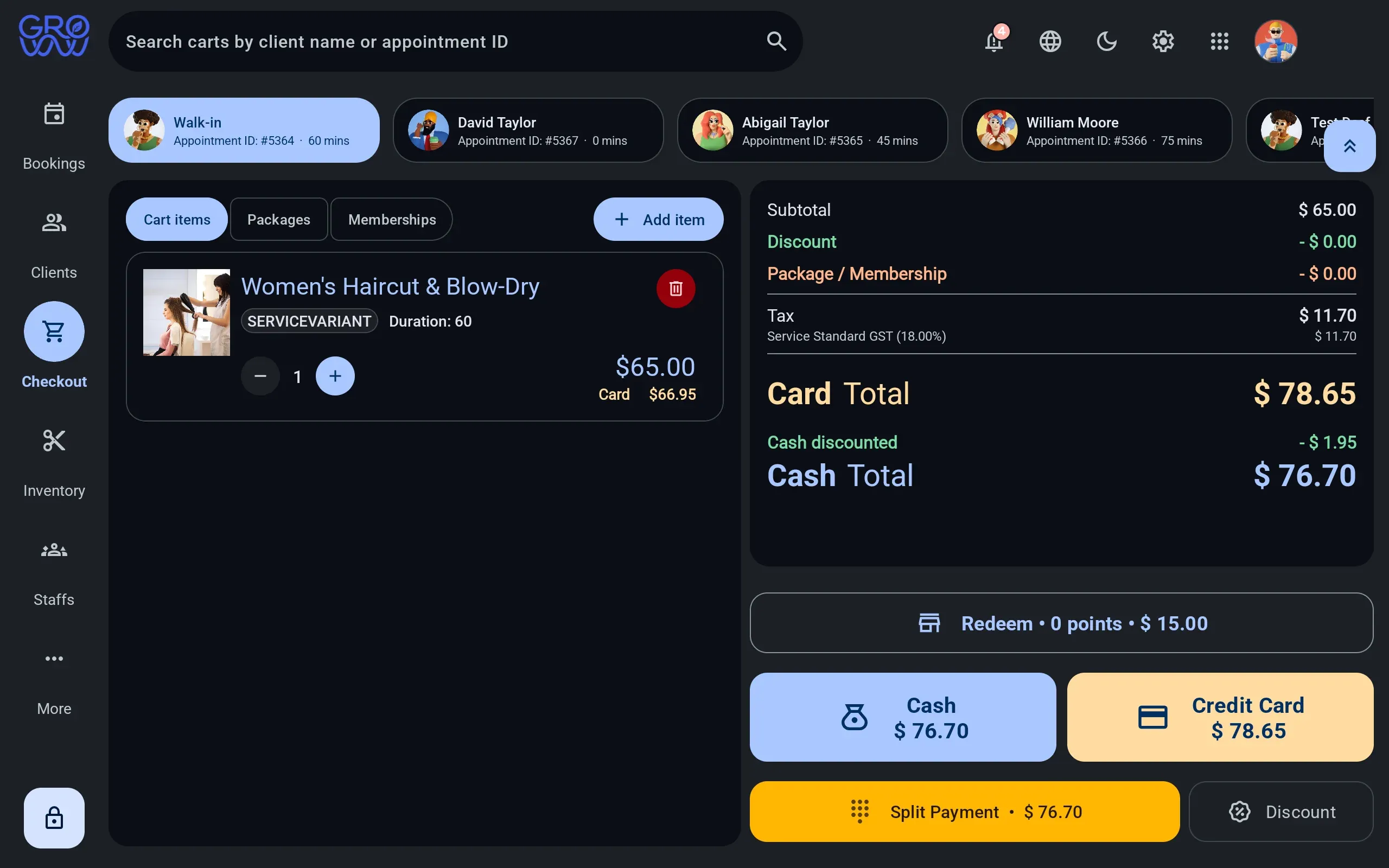
One sale, any combination of tenders
Services, retail, packages and deposits settle together — split across as many tenders as the client brings.
- Card and debit on the PAX, Dejavoo or Valor terminal you already own
- Split tender across any combination in one sale
- Gift card and loyalty redeemed at the till, not reconciled after it
History where the next booking is made
Visit history, preferences, notes, package balances and membership entitlement on one record.
- Package and membership balances visible before checkout
- Notes and preferences that follow the client between staff
- No marketplace between you and the people booking with you
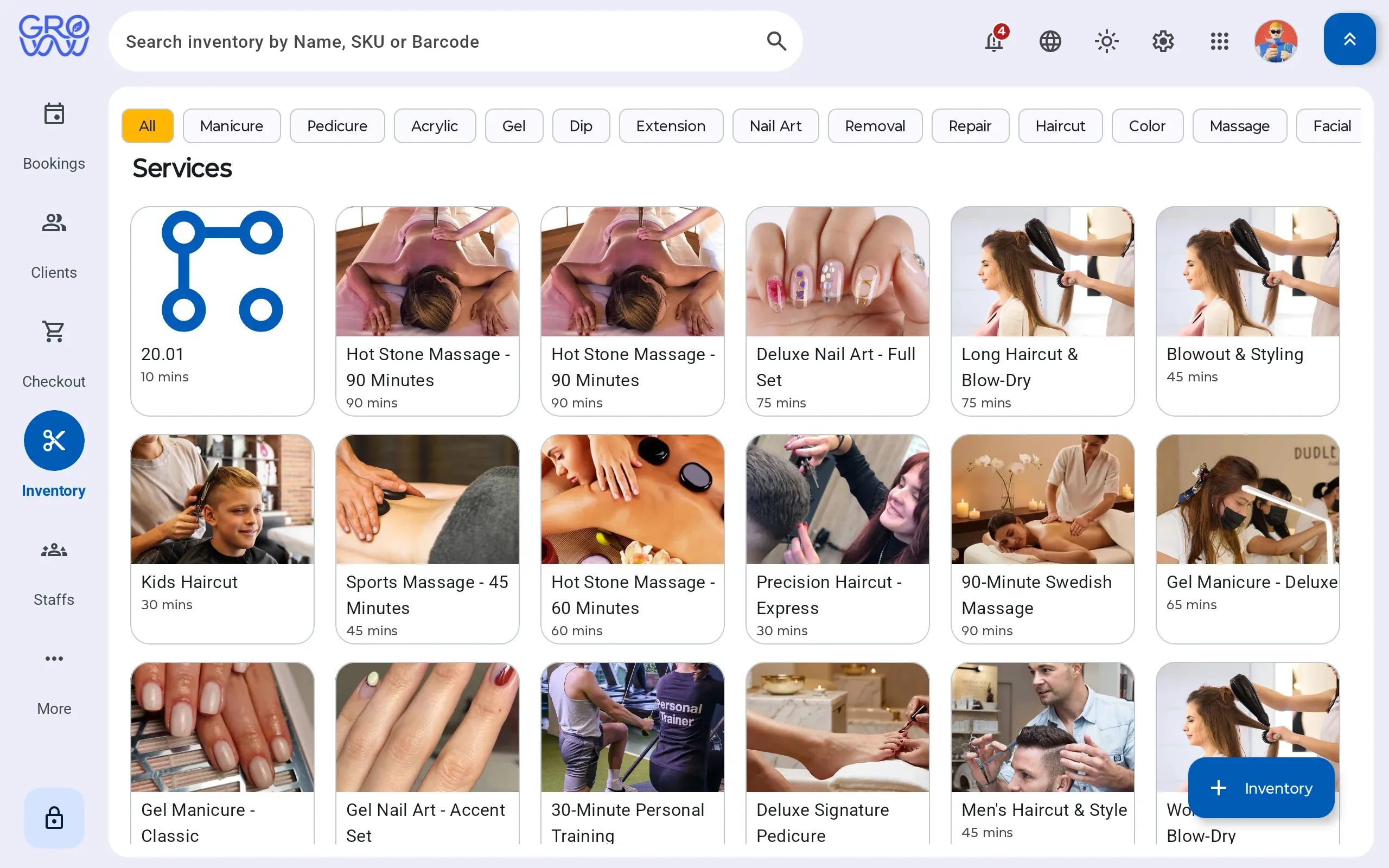
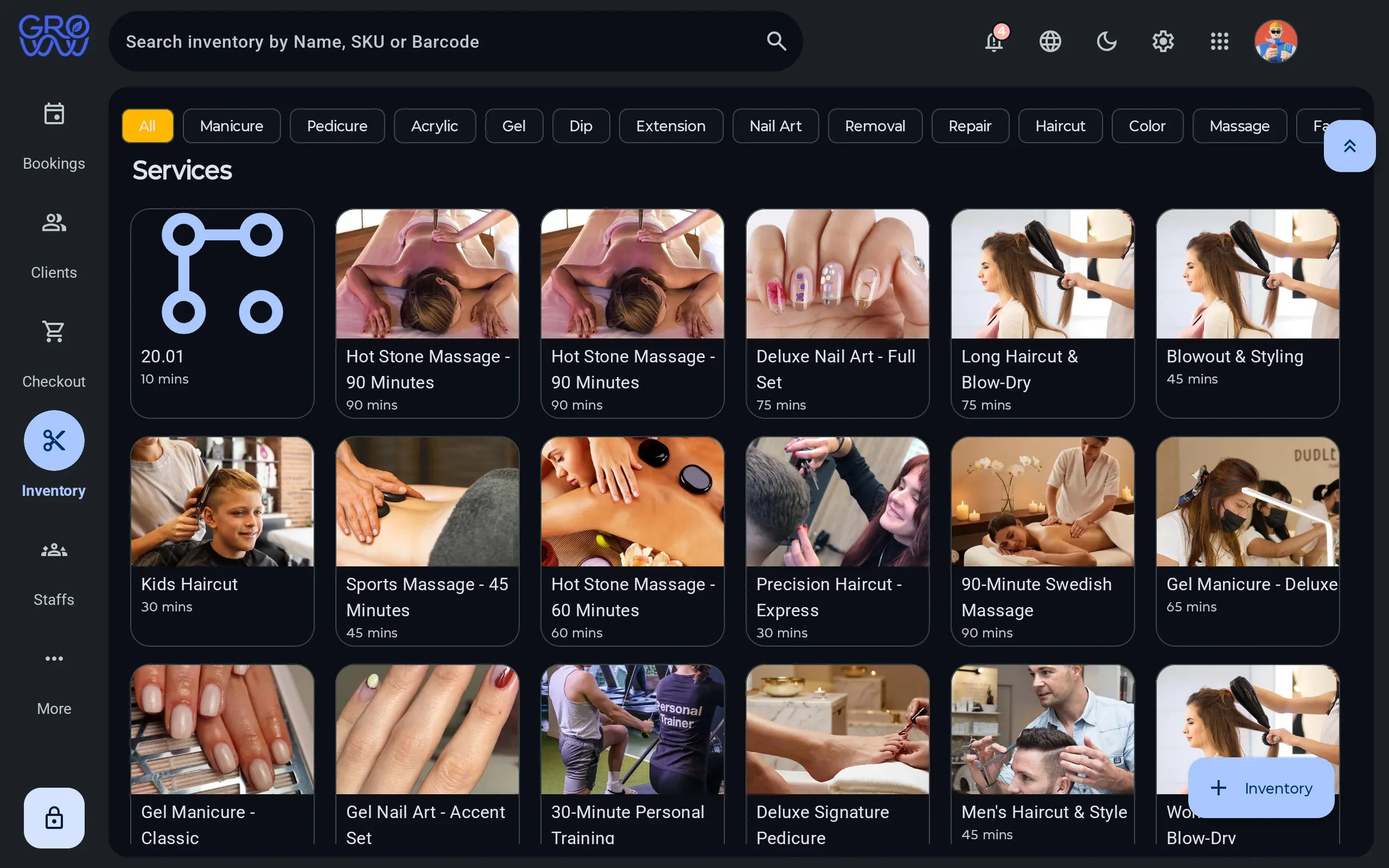
What the service consumed, priced
Retail sold and product consumed by a service move the same stock, so cost stops being a month-end guess.
- Consumption logged against the service that used it
- Retail sold through the same till as the service
- Stock on hand, cost and margin from one ledger
Every tender your clients actually use
Card is the easy part. Gift, loyalty and split tender are where software written for beauty verticals runs out — and each is a real, processed tender here.
Credit
Chip, swipe and tap
Debit
PIN on the terminal
Gift card
Issue, redeem, ledger
Loyalty
Points redeemed at checkout
Cash
Drawer session, open and close
Tap to pay
Contactless on your terminal
Card, phone or watch
Split tender
Any combination, one sale
Card, gift and cash together
Appointment deposits
Taken at booking
On your own processor
Offline mode
Sales continue, upload later
The internet is not a dependency
The no-show is the whole margin
A solo therapist with a forty-hour week sells time and nothing else. An empty slot at two o’clock is not recoverable at six. Deposits are the only lever that reliably moves that number, which is why it matters that they are not held hostage to whose payment rails you use.
Groww POS takes the deposit on the terminal already on your desk, against the merchant account you already have. The deposit applies to the visit at checkout, and the balance settles across whatever tenders the client brings.
Notes belong to the client, not to a binder
Intake forms, preferences and what the therapist did last time follow the client record. The next session starts from what happened in the last one, whoever is working.
Switch with zero downtime
Changing software mid-season is the thing every owner dreads. Here is exactly how it goes.
- 1
We import your data
Clients, services, staff, price list and future appointments — from a spreadsheet or an export from your current platform.
- 2
You keep trading
Run both systems for a week if you want. Nothing is switched off until your team says so.
- 3
Your terminal stays
PAX, Dejavoo or Valor — the hardware you already own and the rate you already have. No re-application, no new merchant account.
Questions we get asked
Can I require a deposit only for new clients?
Deposit rules are set per service, so a first visit or a long session can require one while a regular's routine appointment does not.
Do you support packages of sessions?
Yes. A package holds a balance that draws down at checkout, and the remaining sessions are visible on the client profile.
Are deposits gated behind your payment processing?
No. Deposits run on the PAX, Dejavoo or Valor terminal you already own, at the rate you already negotiated. Nothing about deposits is conditional on whose payment rails you use.








Keep your terminal. Keep your rate. Keep every feature.
Groww POS runs on the PAX, Dejavoo or Valor terminal you already own — no features held back, no marketplace commission.