

Fitness Studio software
Class scheduling and memberships without the enterprise price tag
Class definitions, sessions, enrolments and waitlists with recurring memberships behind them — and a POS for the retail wall, on hardware you already own.
- Your terminal, your negotiated rate
- No marketplace commission
- Gift card, loyalty and split tenders

Built for the work
How Fitness Studio teams actually run
Classes, sessions and enrolments modelled properly
A class is a definition, a session is one occurrence of it, and an enrolment is one person in one session. Capacity, waitlist and attendance follow from that rather than being bolted on.
Memberships that recur and draw down
Monthly memberships, class packs and drop-ins coexist. The balance is checked at the door, not reconstructed at the end of the month.
The retail wall on the same till
Shakes, straps and merchandise ring up through the same POS as the membership, with inventory and end-of-day in one place.
Four screens, one tablet
The same system runs the diary, the till, the client record and the stock room. Pick a screen.
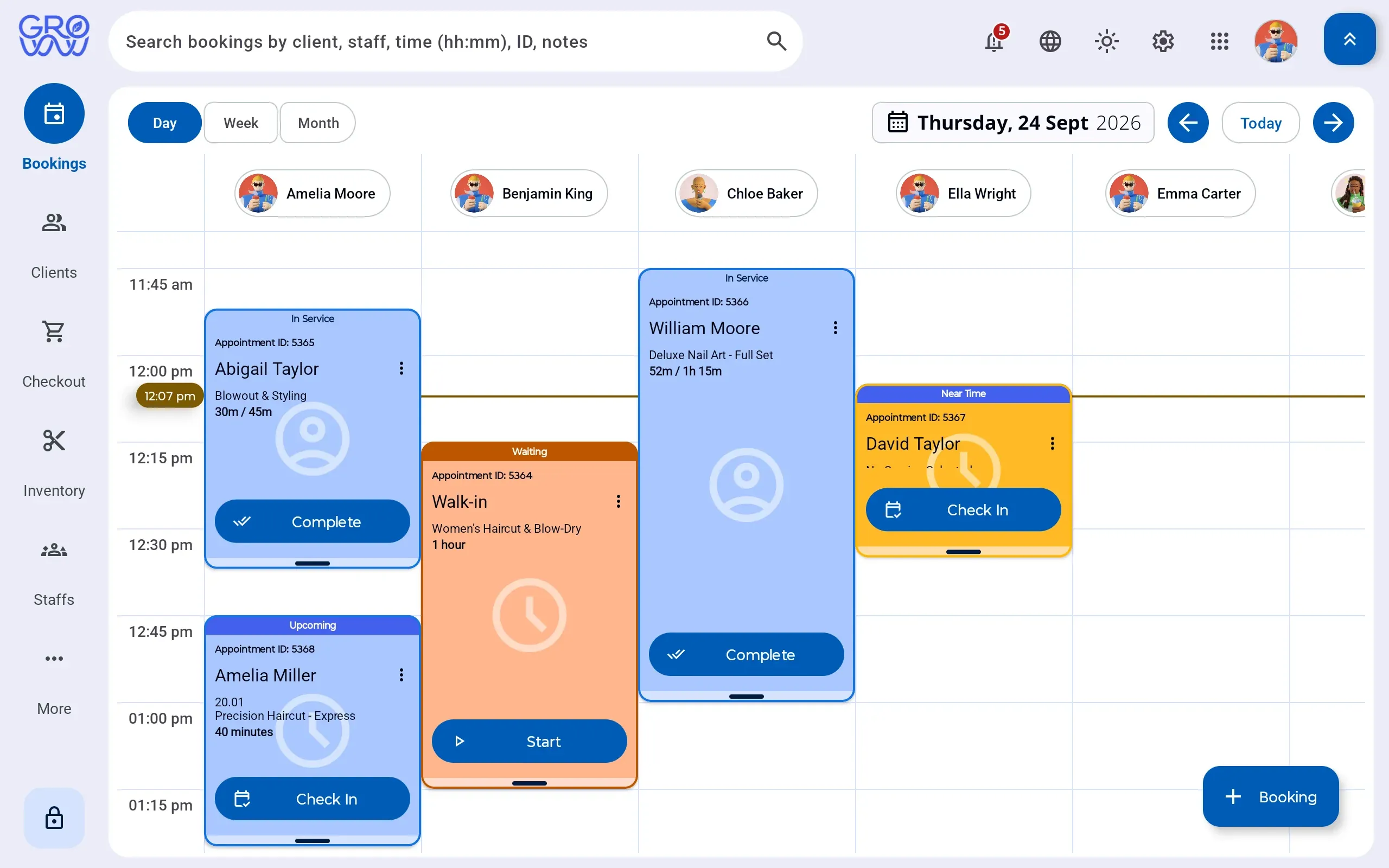
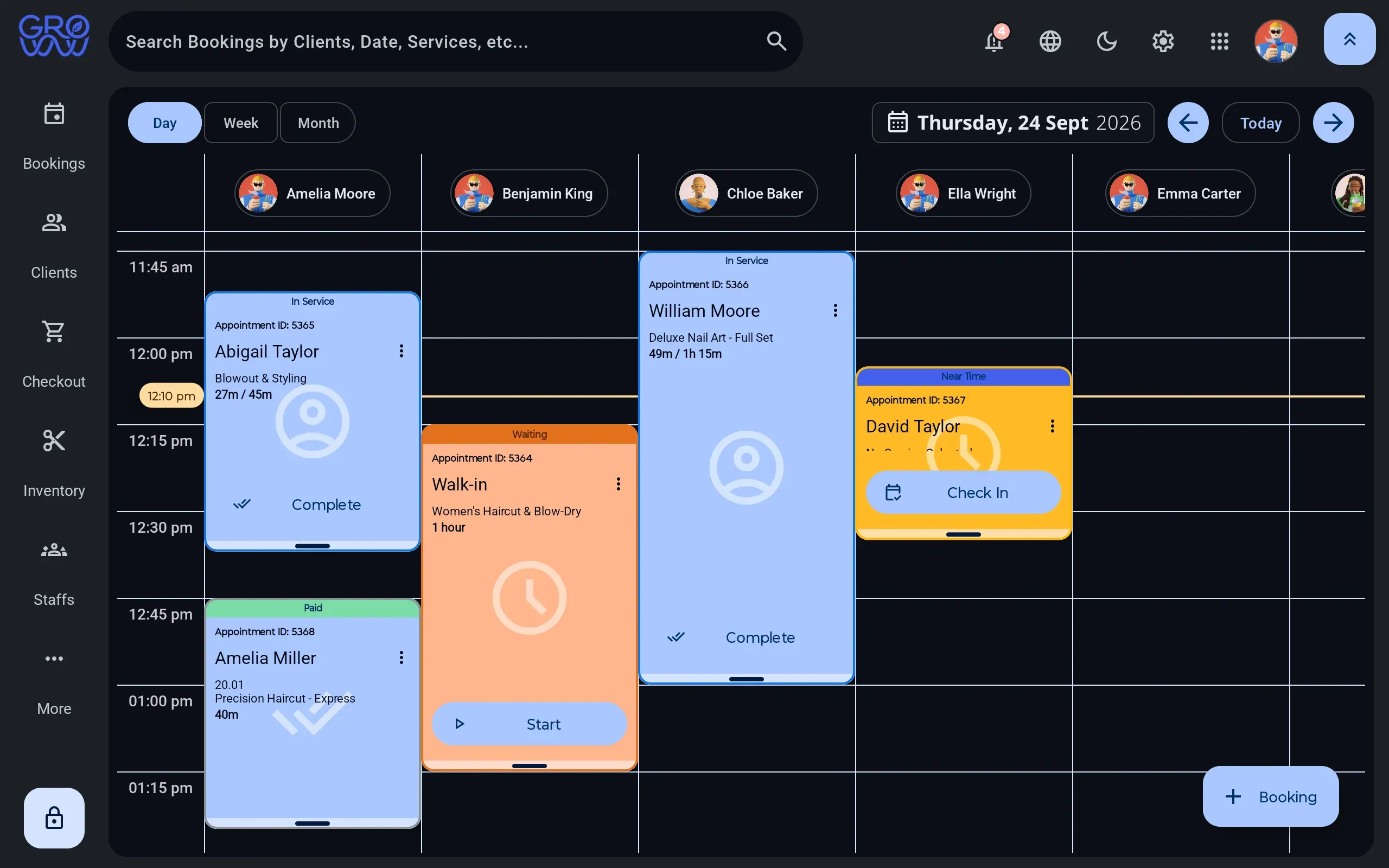
A day you can read at a glance
A column per staff member, per room or per chair — whichever is the constraint for Fitness Studio teams.
- Drag to reschedule, with buffer and cleanup time attached to the service
- Rooms, equipment and staff booked as separate resources
- Walk-ins dropped into the next real gap, not a hopeful one
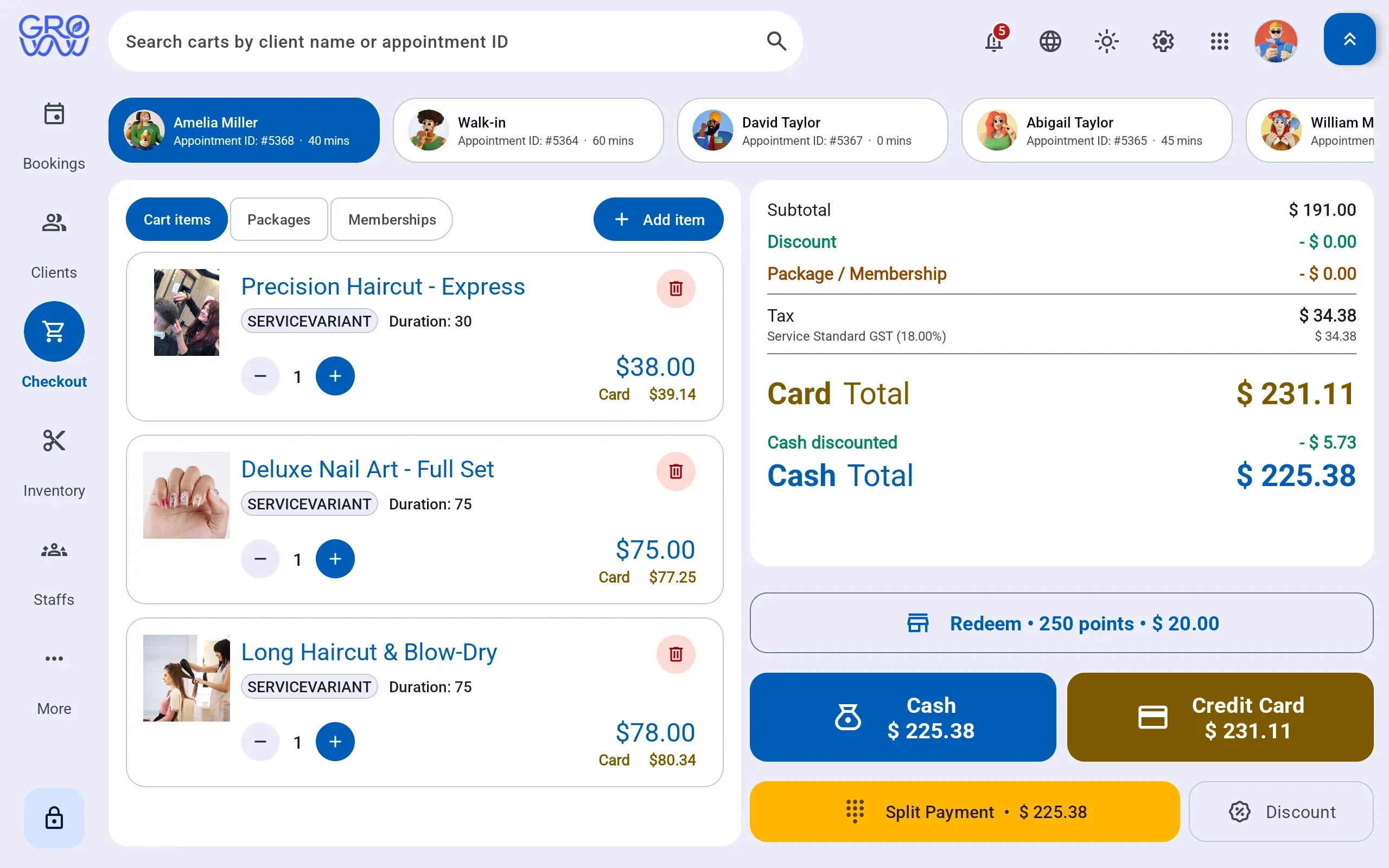
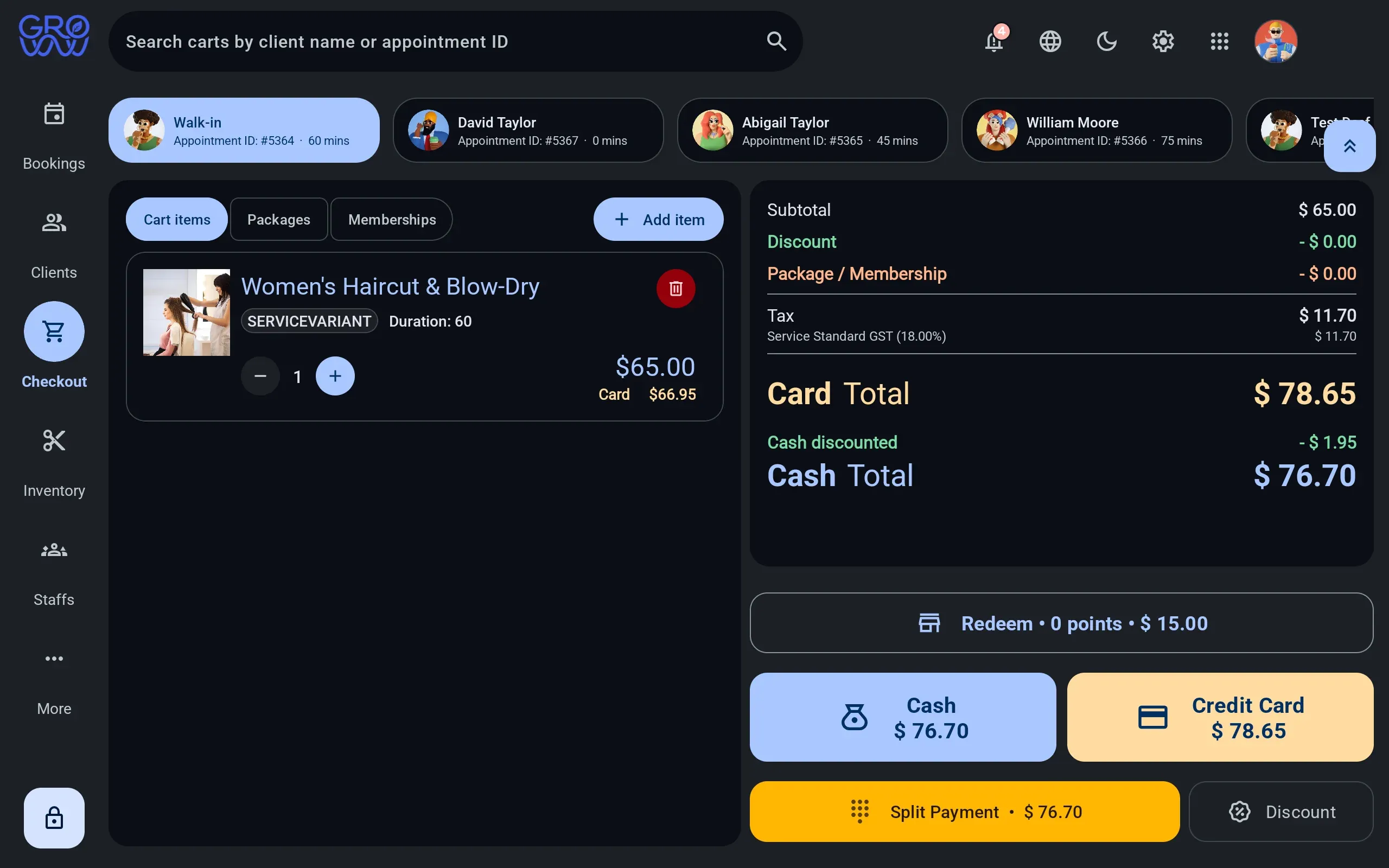
One sale, any combination of tenders
Services, retail, packages and deposits settle together — split across as many tenders as the client brings.
- Card and debit on the PAX, Dejavoo or Valor terminal you already own
- Split tender across any combination in one sale
- Gift card and loyalty redeemed at the till, not reconciled after it
History where the next booking is made
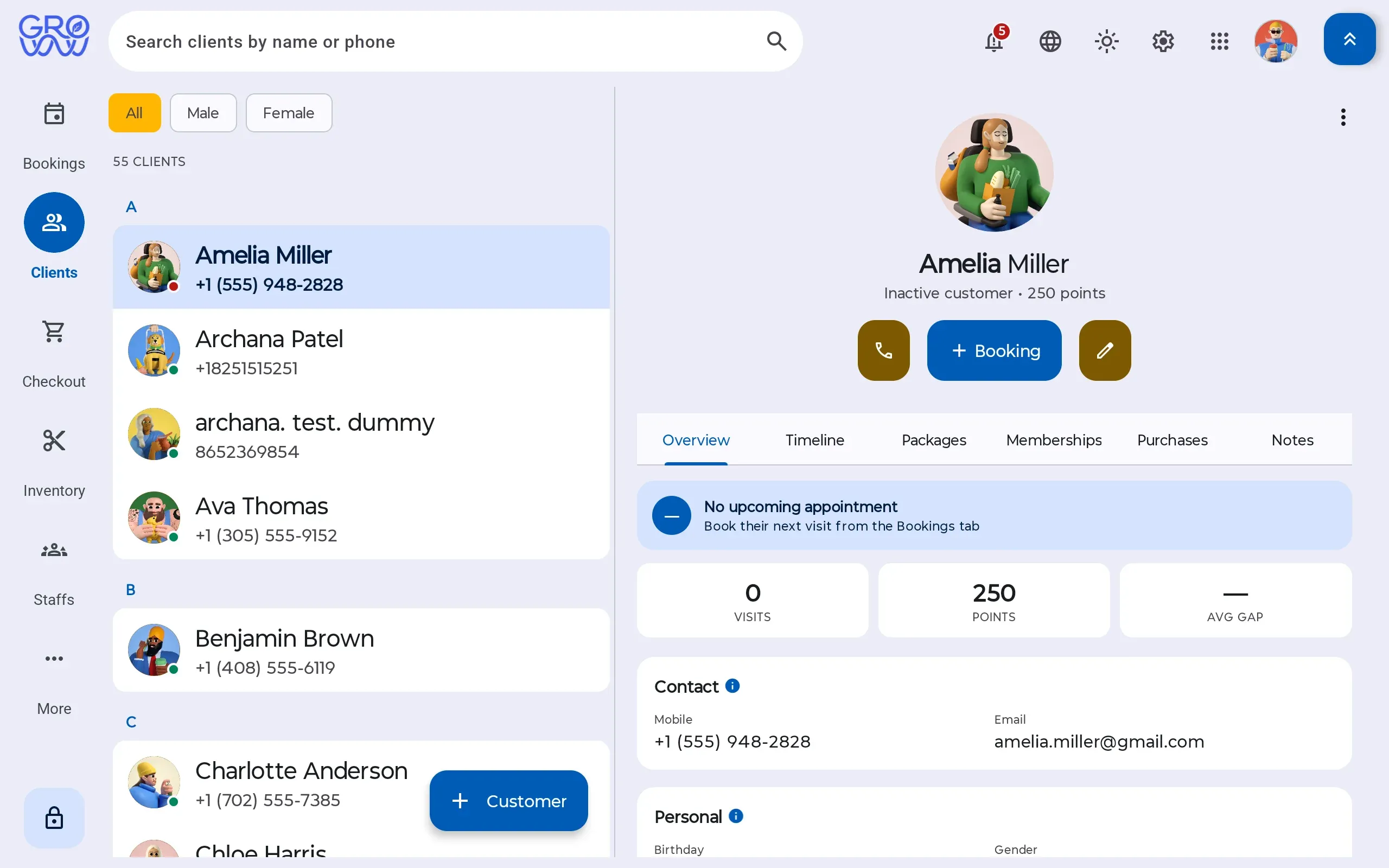
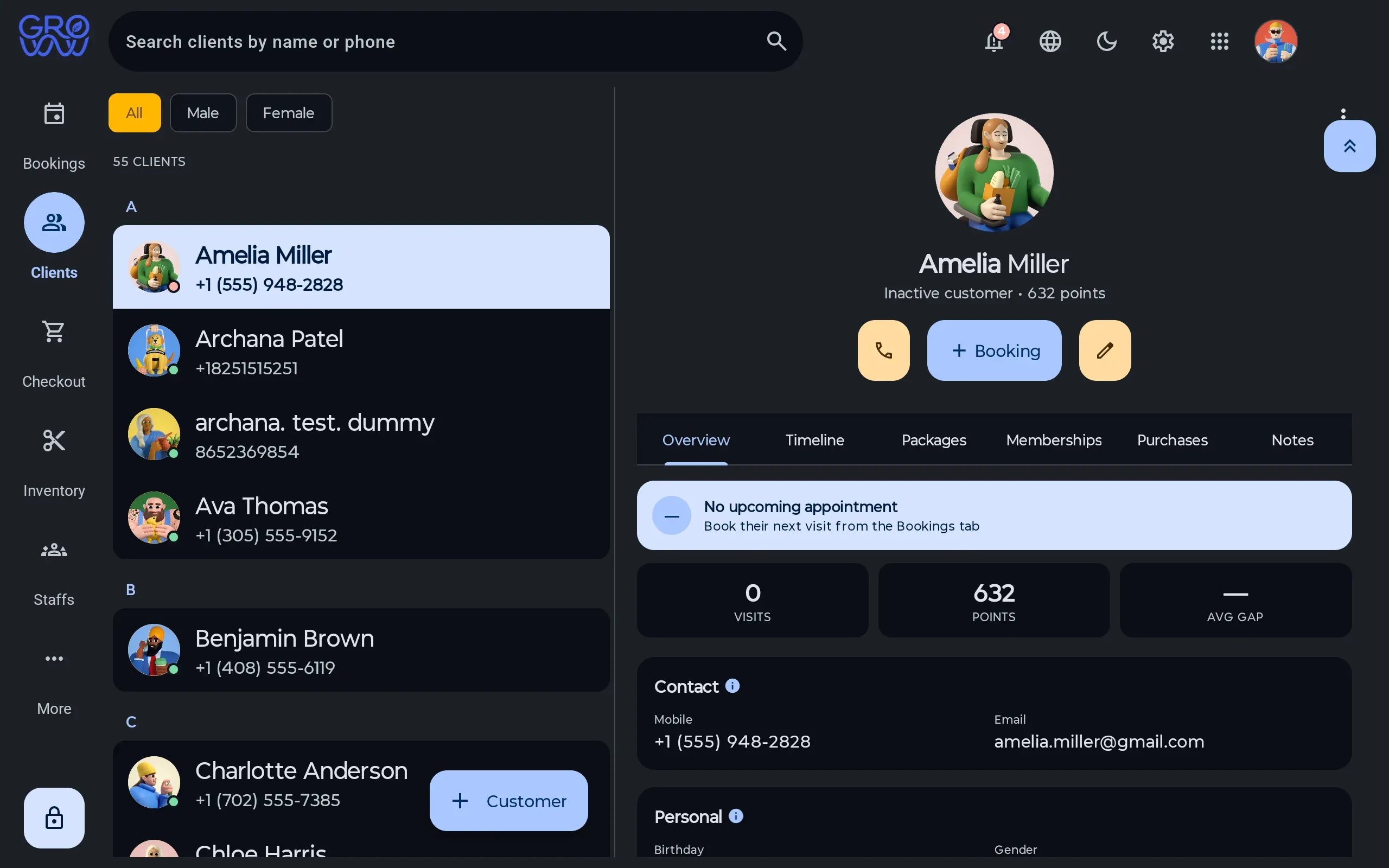
Visit history, preferences, notes, package balances and membership entitlement on one record.
- Package and membership balances visible before checkout
- Notes and preferences that follow the client between staff
- No marketplace between you and the people booking with you
What the service consumed, priced
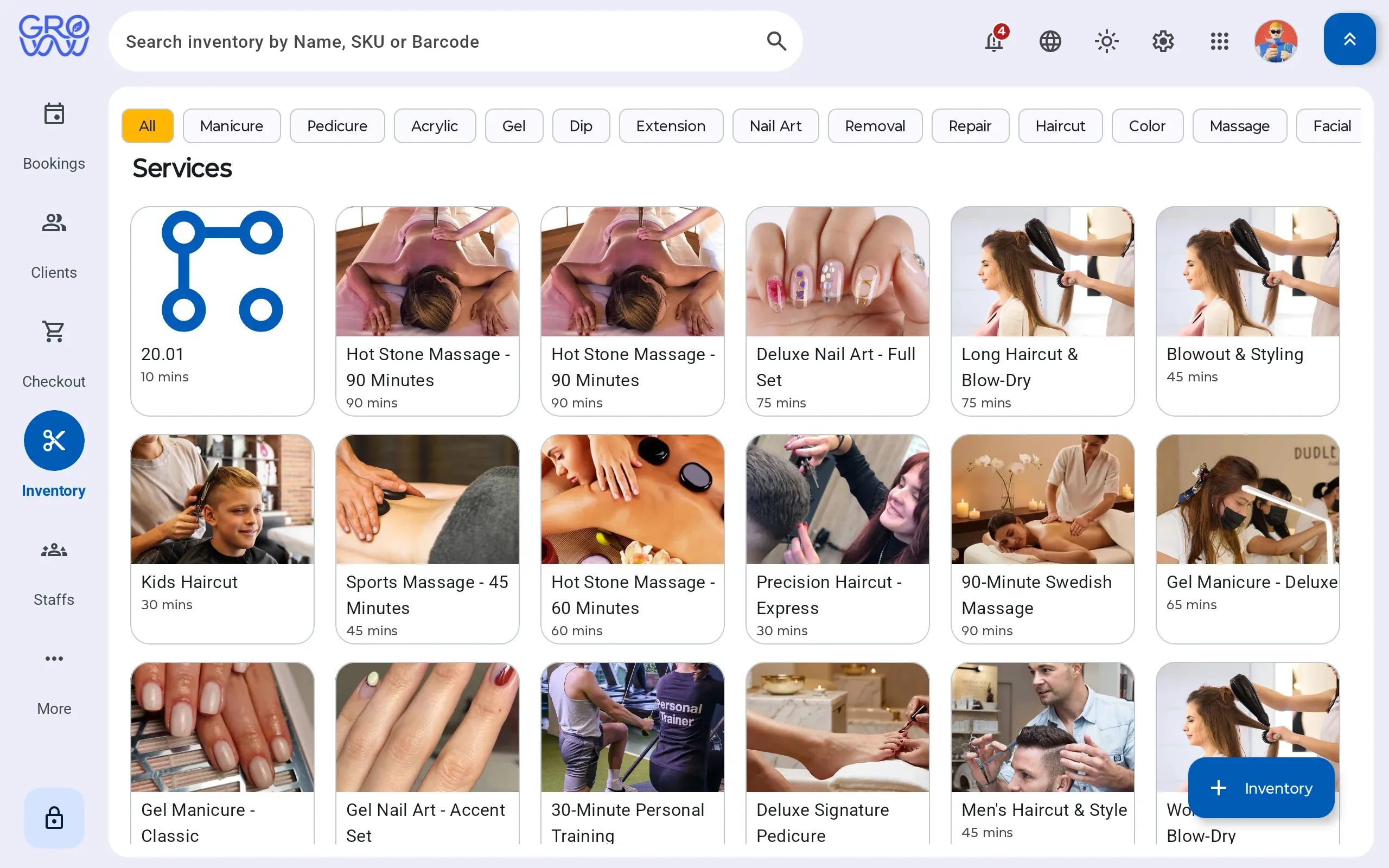
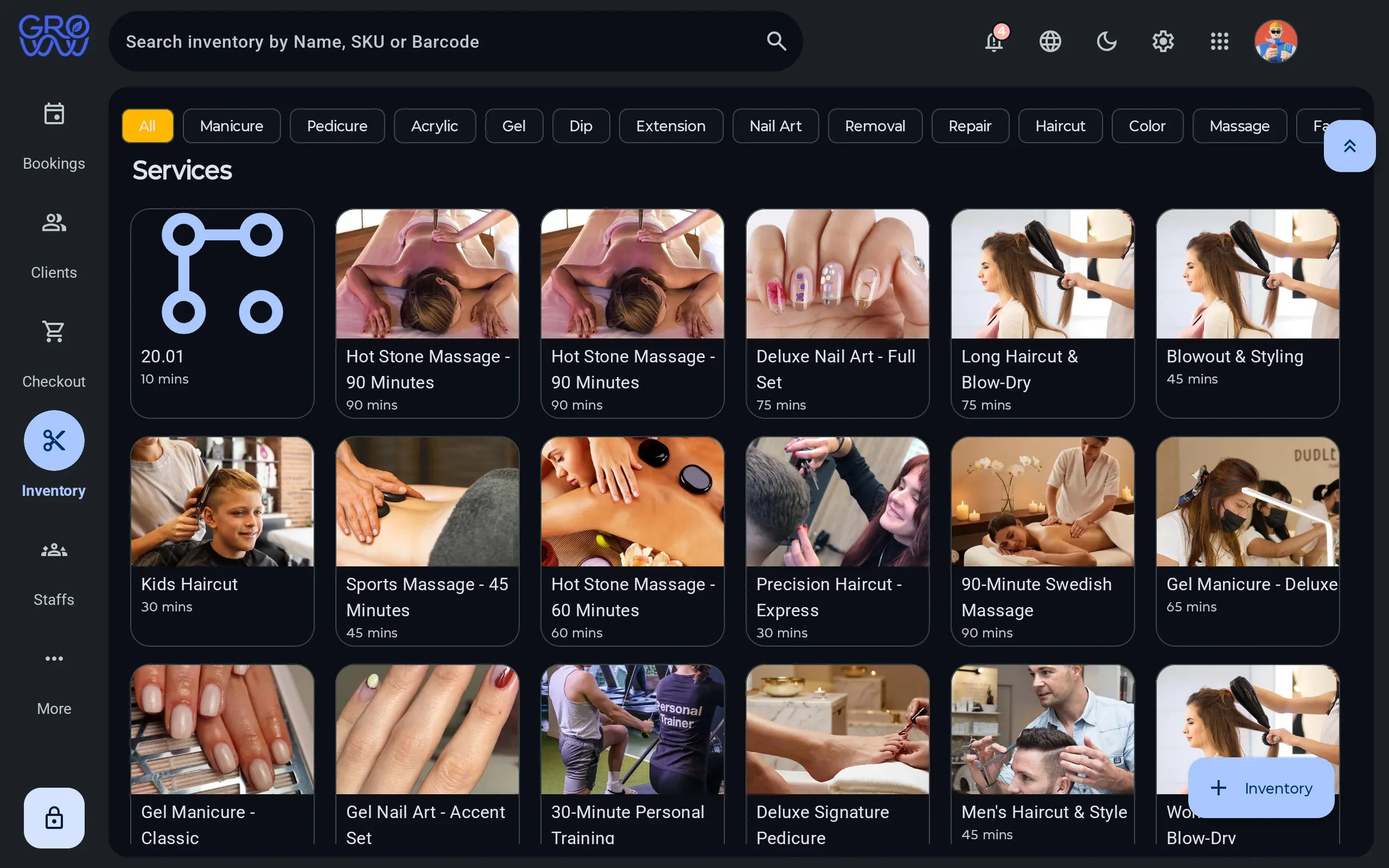
Retail sold and product consumed by a service move the same stock, so cost stops being a month-end guess.
- Consumption logged against the service that used it
- Retail sold through the same till as the service
- Stock on hand, cost and margin from one ledger
Every tender your clients actually use
Card is the easy part. Gift, loyalty and split tender are where software written for beauty verticals runs out — and each is a real, processed tender here.
Credit
Chip, swipe and tap
Debit
PIN on the terminal
Gift card
Issue, redeem, ledger
Loyalty
Points redeemed at checkout
Cash
Drawer session, open and close
Tap to pay
Contactless on your terminal
Card, phone or watch
Split tender
Any combination, one sale
Card, gift and cash together
Appointment deposits
Taken at booking
On your own processor
Offline mode
Sales continue, upload later
The internet is not a dependency
A class is not an appointment
Studios get sold appointment software with a class feature stapled to the side, and then spend a year fighting the difference. An appointment is one person and one slot. A class is a recurring definition, a set of sessions, a capacity, a waitlist and an attendance record — and the reporting question is about the sessions, not the bookings.
Groww POS models them separately because they are separate. Capacity and waitlist are properties of the session, so a substitute instructor or a room change does not require rebuilding a week.
Where the honest gap is
Members can book an appointment themselves in the customer app, and check what is left on a class pass there. What they cannot yet do is enrol into a class session or put themselves on a waitlist — that is a roadmap commitment, not a shipped feature, and it is listed as such on the roadmap. Everything at the desk, on the schedule and at the till works today.
Switch with zero downtime
Changing software mid-season is the thing every owner dreads. Here is exactly how it goes.
- 1
We import your data
Clients, services, staff, price list and future appointments — from a spreadsheet or an export from your current platform.
- 2
You keep trading
Run both systems for a week if you want. Nothing is switched off until your team says so.
- 3
Your terminal stays
PAX, Dejavoo or Valor — the hardware you already own and the rate you already have. No re-application, no new merchant account.
Questions we get asked
Can a member book into a class themselves?
Not into a class yet. Members can book appointments themselves in the Groww Customer App on iPhone, Android or the web, and see their pass balances there — but class enrolment and the waitlist are still staff-side on the tablet, and that is the next thing going into the app.
Do you handle class packs as well as memberships?
Yes. A pack holds a balance of sessions that draws down on attendance; a membership recurs on its own schedule. A member can hold both.
What happens when a session is full?
The waitlist takes the next enrolments in order, and a cancellation frees the place for the first person on it.







Keep your terminal. Keep your rate. Keep every feature.
Groww POS runs on the PAX, Dejavoo or Valor terminal you already own — no features held back, no marketplace commission.